
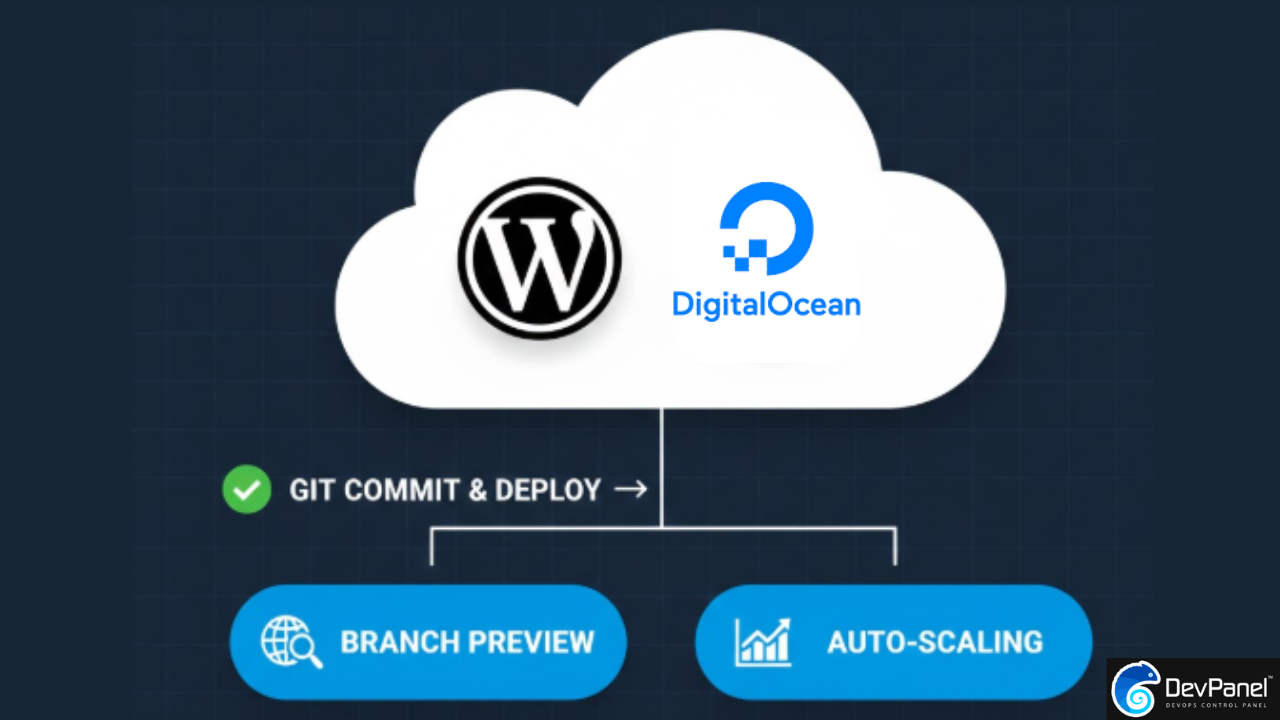
WordPress on DigitalOcean: Why Your Agency Needs SDLC Automation in 2026
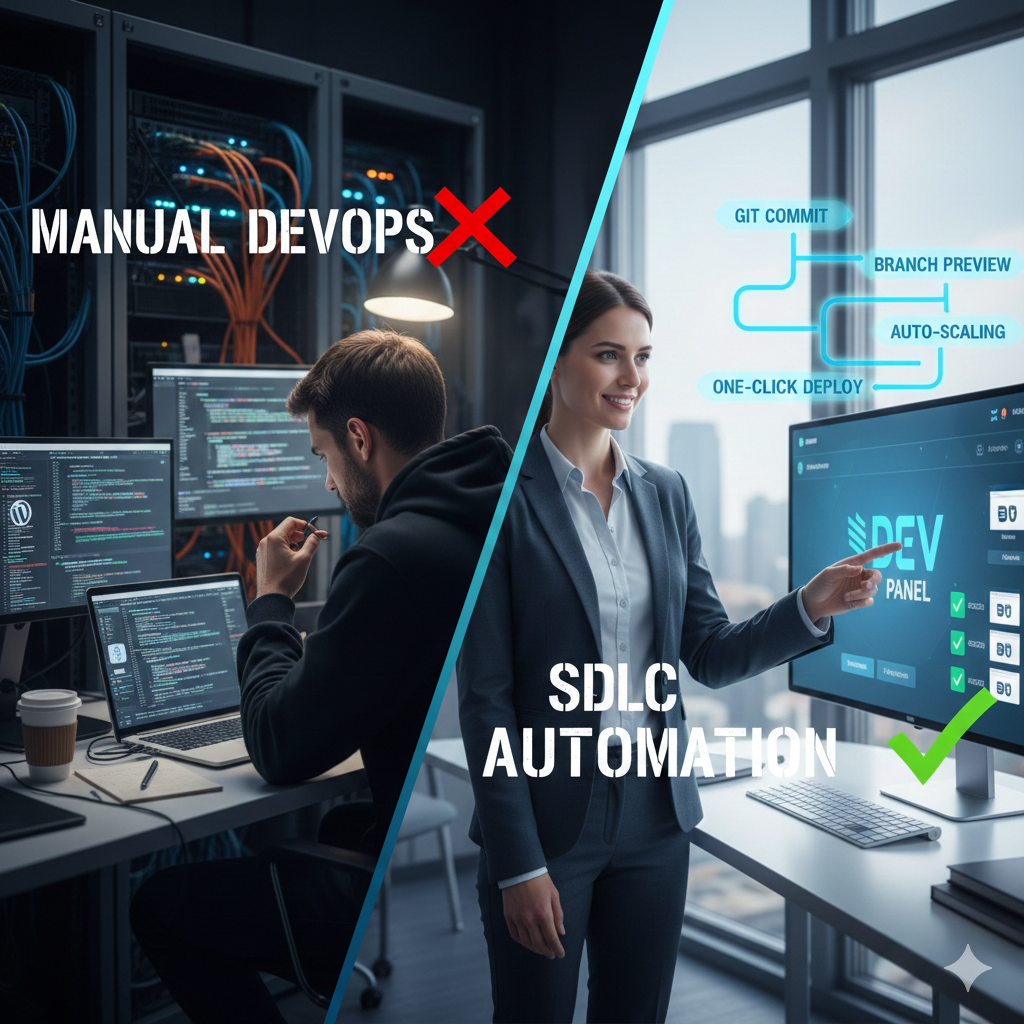
For years, the promise of WordPress on DigitalOcean has been simple: high performance at a fraction of the cost of premium managed hosts. But as any agency owner or lead developer knows, the “cheap” infrastructure bill often hides a mountain of high-cost labor.
Recent industry analysis shows that teams managing WordPress manually on cloud primitives typically spend 30 to 60 hours per week on non-billable DevOps tasks. When you move beyond a single personal site and begin managing dozens of client projects, manual tasks like patching Ubuntu, syncing databases, and managing staging environments become a “DevOps tax” that eats your margins.
In 2026, the competitive edge for agencies isn’t just about fast page loads; it’s about SDLC (Software Development Life Cycle) automation. This guide explores how to harness the power of DigitalOcean without becoming a full-time system administrator, and why a “Control Plane” approach is the future of WordPress deployment.
I. The Landscape: Deciphering the DigitalOcean Deployment Pathways
DigitalOcean is not a monolithic product; it is a suite of cloud primitives. Understanding which “path” you are on is the first step toward reclaiming your time.
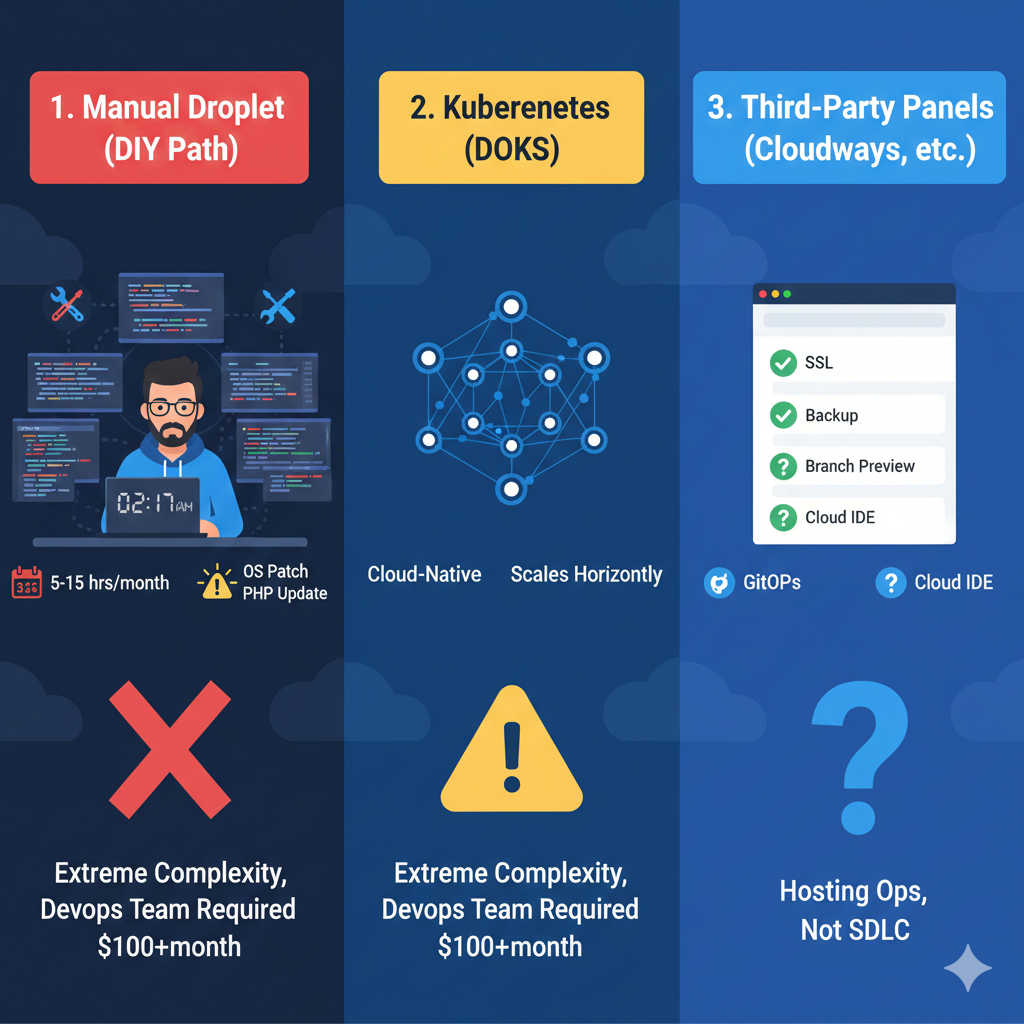
1. Manual Droplet Management (The DIY Path)
The foundation of most DigitalOcean deployments is a single Droplet running a LAMP or LEMP stack.
- The Pro: You have total control over the server configuration. You can tune Nginx parameters, adjust PHP-FPM pools, and choose your exact MySQL version.
- The Reality: You are 100% responsible for security. This includes manually applying OS patches, updating PHP versions, and responding to 2 AM outages.
- Maintenance Burden: Maintenance is substantial, often translating to 5–15 hours per month for a single production site. You must handle SSL certificates via certbot, monitor disk usage, and manually manage WordPress core and plugin updates.
2. DigitalOcean Kubernetes Service (DOKS)
For large-scale applications, Kubernetes offers auto-scaling and self-healing.
- The Pro: Cloud-native architecture that scales horizontally across clusters. It is ideal for 50+ sites or highly variable traffic.
- The Reality: The complexity is extreme. Unless you have a dedicated DevOps team, DOKS is often over-engineered for WordPress, introducing “abstraction debt” that makes debugging difficult.
- Cost & Skills: A modest cluster starts at $100–$200/month. More importantly, it requires Kubernetes expertise rather than just WordPress knowledge.
3. Third-Party Control Panels (Cloudways, SpinupWP, RunCloud)
These tools act as a management layer over your Droplets.
- The Pro: They automate SSL, backups, and basic stack setup.
- The Reality: Most of these tools focus on hosting operations, not the development lifecycle.
- The Gap: They lack integrated cloud dev environments and true GitOps with branch-triggered previews. Dev/Stage/Prod transitions remain largely manual.
II. Bridging the Gap: Why SDLC Automation is the 2026 Mandate
Operating a production WordPress site involves far more than the initial deploy. It requires continuous monitoring, optimization, and synchronization.
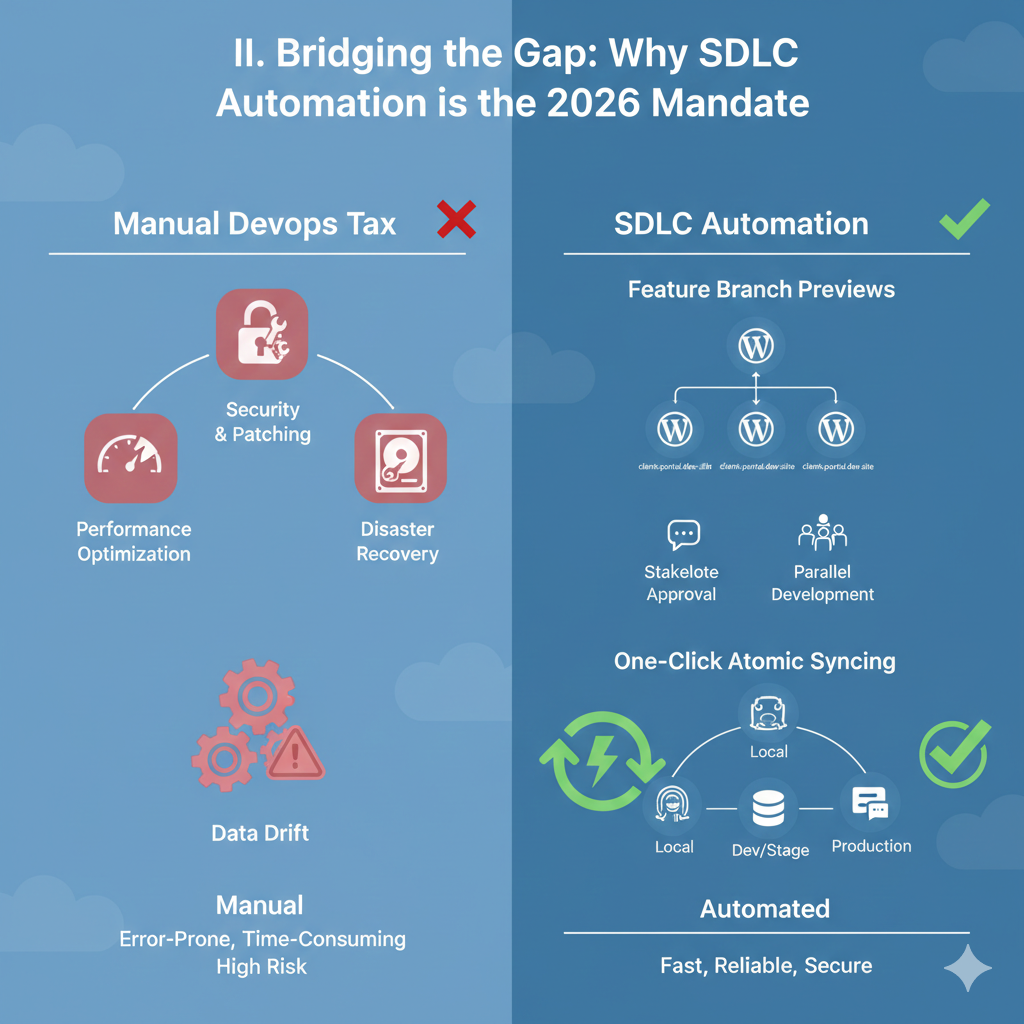
The “DevOps Tax” Breakdown
If you are managing WordPress manually on Droplets, here is what your team is actually doing:
- Security & Patching: Monitoring core releases, testing plugins for vulnerabilities, and applying OS-level CVE patches.
- Performance Optimization: Analyzing Core Web Vitals, tuning Redis cache hit rates, and optimizing database queries.
- Disaster Recovery: Configuring automated off-site backups and performing monthly restore tests to ensure data integrity.
The Power of Feature Branch Previews
Imagine every time a developer creates a new feature in Git, a temporary, fully-functional WordPress environment is automatically created.
- Stakeholder Approval: Clients can test a specific new feature on a unique URL without touching the main staging site.
- Parallel Development: Three developers can work on three different features simultaneously, each with their own isolated database and file system, without ever stepping on each other’s toes.
One-Click Atomic Syncing
One of the biggest pain points of WordPress on DigitalOcean is keeping your local, dev, and staging sites in sync with production data.
- Traditional Risk: Manual
mysqldumpandrsynccommands are error-prone and can lead to “data drift”. - The Solution: Modern SDLC platforms allow for one-click atomic cloning, ensuring your team is always testing against the latest production database without the risk of partial data corruption.
III. The DevPanel Advantage: A “Control Plane” for Your Cloud
DevPanel isn’t a hosting provider—it’s an Infrastructure-as-Code (IaC) platform that turns your own DigitalOcean account into a high-octane development engine.
1. Zero Markup, Maximum Control
Unlike managed hosts that charge a 30-50% markup on infrastructure, DevPanel runs inside your own cloud account. You pay DigitalOcean directly for your Droplets and Managed Databases, while DevPanel provides the automation layer. This avoids vendor lock-in and gives you direct access to DigitalOcean’s billing and resource management.
2. Cloud IDE: Browser-Based Development
DevPanel integrates a cloud-based VS Code environment.
- Instant Onboarding: A new developer can be coding in seconds without installing PHP, MySQL, or local Docker environments.
- Consistency: Because the IDE runs in the cloud, the development environment is an exact mirror of production, eliminating the “it works on my machine” syndrome.
3. Enterprise-Grade Support & Emergency Intervention
While DigitalOcean support stops at the hardware level, DevPanel offers emergency intervention.
- Proactive Monitoring: We identify performance regressions before they hit production.
- Hands-on Help: If your WordPress site goes down due to a plugin conflict or database issue, expert engineers can access your environment to fix the root cause—not just tell you the server is “up”.
IV. Minute-by-Minute: The Manual vs. Automated Workflow
To truly appreciate the value of SDLC automation, we must look at the time investment for a simple feature update.
Scenario: Adding a New “Client Portal” Feature
The Manual DigitalOcean Way (Approx. 135 Minutes):
- Setup (20 min): Manually clone the production database to a staging Droplet.
- Sync (15 min): Rsync the
/uploads/folder so images show up on staging. - Development (60 min): Code the feature locally, then push to a Git repo.
- Deploy (20 min): SSH into staging, run
git pull, and clear the cache. - Test (20 min): Find out the database migration failed; repeat steps 1–4.
The DevPanel Automated Way (Approx. 65 Minutes):
- Automatic Preview (0 min): Create a new branch in Git. DevPanel automatically spins up a preview environment with a clone of production data.
- Development (60 min): Code the feature in the Cloud IDE or locally.
- Review (5 min): Send the unique Preview URL to the client. Once they approve, merge the branch.
- Deployment (0 min): DevPanel detects the merge and automatically pushes to production with zero downtime.
V. Expanding Your Knowledge
To master your deployment strategy, explore our related guides on high-performance cloud management:
- The Definitive Guide to Hosting Drupal on DigitalOcean: Many of these IaC principles apply equally to Drupal and WordPress.
- Host WordPress & Drupal on Azure for Nonprofits: Learn how the “Control Plane” model works across different cloud providers like Azure.
- A Day in the Life of a Drupal SysAdmin: See how automation frees technical staff from routine maintenance tasks.
VI. Decision Framework: Which Strategy Fits Your Team?
| Your Situation | Best Choice | Why |
| Solo developer, one site | SpinupWP | Git deployment and low cost for single-site ops. |
| Learning WordPress | Cloudways | Minimal technical knowledge required for basic hosting. |
| Small team, 5+ sites | DevPanel | Eliminates team coordination overhead and provides emergency support. |
| Agency with 50+ clients | DevPanel | Templates eliminate repetitive setup; client portals automate staging approval. |
| Enterprise Platform | DevPanel | Multi-cloud flexibility (AWS, Azure, DO) with full governance and approval chains. |
Podcast & Visual Insights
For a deep dive into the technical nuances of these deployment strategies, check out our latest media resources:
- Podcast Discussion: Stream the Latest Episode on Buzzsprout. We discuss why the transition from “hosting” to “SDLC management” is the most important move an agency can make in 2026.
- YouTube Walkthrough: How to Host WordPress on DigitalOcean: Manual vs. Automated. This video provides a visual breakdown of the three primary deployment strategies on DigitalOcean.
- Technical Deep-Dive: Read the Full Comprehensive Analysis on WordPress deployment options on DigitalOcean, comparing every pathway from Droplets to DOKS.
Final Takeaway: Speed-to-Market vs. Operational Debt
In the current landscape, the most successful agencies are those that automate the mundane. Choosing WordPress on DigitalOcean gives you the performance you need, but without automation, it creates a heavy debt of operational tasks.
By adopting an SDLC-first approach with DevPanel, you offload the entire lifecycle—from the first Git commit to production deployment and proactive 24/7 monitoring. You focus on code and content while we handle the “plumbing”.
Ready to automate your DigitalOcean workflow? Schedule a demo with DevPanel today and see how we can slash your DevOps overhead by 90%.