
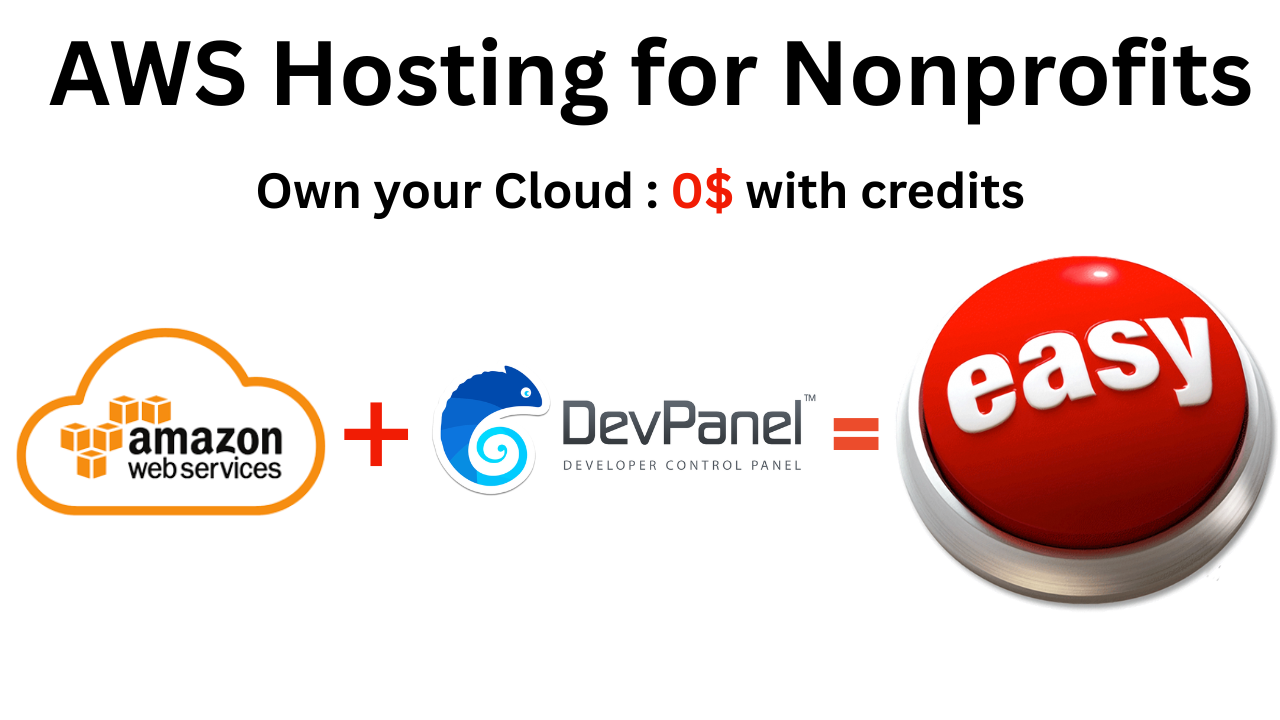
AWS Hosting for Nonprofits: The “Third Way” to Maximize Credits and Automation
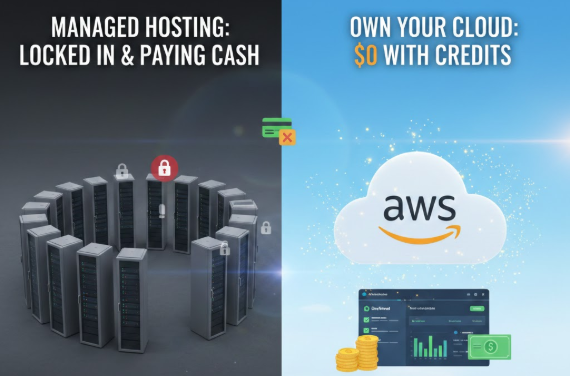
Hosting a WordPress website as a nonprofit often feels like a choice between two bad options: spending thousands on “premium” managed hosting or getting lost in the technical weeds of a manual AWS setup.
But there is a third way. By combining AWS Nonprofit Credits with DevPanel’s automation, organizations can achieve enterprise-grade performance and security for a fraction of the cost—often $0 for the infrastructure itself.
The AWS Goldmine: Credits and Grants for Nonprofits
Most nonprofits are sitting on thousands of dollars in unused AWS credits. AWS has aggressive programs designed specifically to lower the barrier for social impact organizations.
1. The AWS Nonprofit Credit Program (via TechSoup)
The most accessible program is the annual credit grant distributed through TechSoup. Since 2022, this program has used a tiered structure based on your organization’s budget.

- Small Nonprofits: $1,000 in annual AWS Promotional Credits for organizations with budgets under $10 million.
- Mid-sized Nonprofits: $2,000 in annual credits for organizations with budgets from $10 million to $50 million.
- Large Nonprofits: $5,000 in annual credits for organizations with budgets over $50 million.
“The credit has been an amazing offering for the charity and its programming. The credit covers 95 percent of the costs we incur for using AWS in a calendar year.” — Sarah Quillen, Vice President of Development and Marketing, Ronald McDonald House Charities®
Pro Tip: These credits renew every fiscal year (July 1 – June 30). If you don’t use them, they expire. They cover almost all on-demand services, including EC2 (compute), RDS (databases), and S3 (storage).
2. AWS Imagine Grant Program

For organizations with high-tech ambitions, the Imagine Grant offers massive funding packages through a competitive process.
- Pathfinder Award: Up to $200,000 in cash and $100,000 in AWS credits for Generative AI projects.
- Momentum to Modernize: Up to $50,000 in cash and $20,000 in credits for migrating legacy systems or application modernization.
Comparing Your Hosting Options: A Data-Driven Breakdown
To choose the right path, you must understand the trade-offs between control, cost, and complexity.
WordPress Hosting Comparison for Nonprofits
| Feature | Manual AWS Setup | Managed Platforms (WP Engine/Pantheon) | AWS + DevPanel Automation |
| Infrastructure Ownership | 100% (Your Account) | 0% (Vendor Account) | 100% (Your Account) |
| Use AWS Credits? | ✅ Yes | ❌ No | ✅ Yes |
| DevOps Expertise | High (Senior Level) | None | Low (Dashboard) |
| Time to Deploy | 2–4 Weeks | <1 Day | 1–3 Days |
| Vendor Lock-in | None | High | Low |
| Monthly Cost (Small Site) | $50–$200 | $300+ | $0–$100 (with credits) |
Why “Managed Hosting” Is Often a Bad Deal for Nonprofits
Platforms like WP Engine, Pantheon, and Kinsta offer great service, but they come with a “walled garden” problem.
- Credit Incompatibility: Because these providers host your site on their infrastructure, you cannot apply your nonprofit credits to the bill. You effectively pay for hosting with cash while your grants go unused.
- Scalability Taxes: Many managed hosts charge based on “visits” or “sites”. If a nonprofit campaign goes viral, your hosting bill could spike exactly when you need that money for your mission.
- Limited Environments: You are often limited to 1-3 staging sites. Wanting more usually requires a costly upgrade.
“Managed platforms… achieve simplicity by abstracting away infrastructure. They solve the complexity problem, but they force a sacrifice of both control and cost-efficiency. If you have a grant… it is useless here.” — DevPanel Strategic Analysis
The DevPanel Advantage: “Bring Your Own Cloud” (BYOC)
DevPanel acts as a “control plane” that sits on top of your own AWS account. It gives you the “one-click” simplicity of a managed host without taking away your keys.
Why Nonprofits Are Switching to DevPanel:
- Total Data Sovereignty: Your data never leaves your AWS account, ensuring compliance with HIPAA, GDPR, or SOC2.
- Unlimited Staging: Create a new environment for every Git branch. Want to show a board member a new feature? Spin up a preview link in seconds.
- Browser-Based Development: DevPanel includes a built-in VS Code IDE. Volunteer developers can start coding in their browser immediately without wasting days setting up local environments.
- Cost: The platform core is completely free to use in your own cloud account; you only pay for optional professional support if you need a human to step in.
“Amazon Web Services helped reduce the administrative burden from our staff, allowing them to spend more time delivering vital services to our community.” — Fergus Fitzsimons, CEO, Centacare New England North West
Real-World Success: Parents Helping Parents (PHP)
PHP, a San Jose-based nonprofit, migrated from WP Engine to AWS using DevPanel, eliminating their $1,800 annual hosting bill by leveraging AWS nonprofit credits. Today, a single staff member manages over 30 websites using the DevPanel dashboard.
Case Study Note: “The nonprofit reduced onboarding time for volunteer developers from 5+ days to less than one day using cloud development environments.”
Safety and Security: The Non-Negotiables
If you try to set up AWS manually without a DevOps team, you risk misconfigured firewalls or failed backups. DevPanel automates these critical tasks:
- AWS WAF & DDoS Protection: Automatically configured to block malicious traffic.
- Automated Backups: One-click restores and configurable retention periods.
- Managed Patching: Keeps your OS and PHP versions up to date without breaking your site.
Recommendations Based on Your Budget
Choosing the Right Path
| Nonprofit Profile | Recommended Approach | Expected Monthly Out-of-Pocket |
| Small (<$500k Budget) | DevPanel + AWS Credits | $0 – $100 |
| Mid-Sized ($500k-$5M) | DevPanel + Support Retainer | $200 – $800 |
| Large (>$5M / Compliance) | AWS MSP Partner | $1,000 – $5,000+ |
Final Thoughts: Focus on the Mission, Not the Server
The technology landscape for nonprofits is about automation. You shouldn’t have to choose between financial sustainability and technical excellence. By owning your AWS account and using an automation layer like DevPanel, you can stop paying for “managed” overhead and start putting those thousands of dollars back into your community.
“The credit has been critical to our business operations and mission. With the credit, we are able to run a proper environment that includes a development and test instance.” — Brian Moran, Co-Founder, Boolean Girl
Supporting Content
- Watch the Video: WordPress on AWS for Nonprofits: Which Hosting Path Is Right for You?
- Deeper Research: Comprehensive Analysis of AWS Hosting for Nonprofits