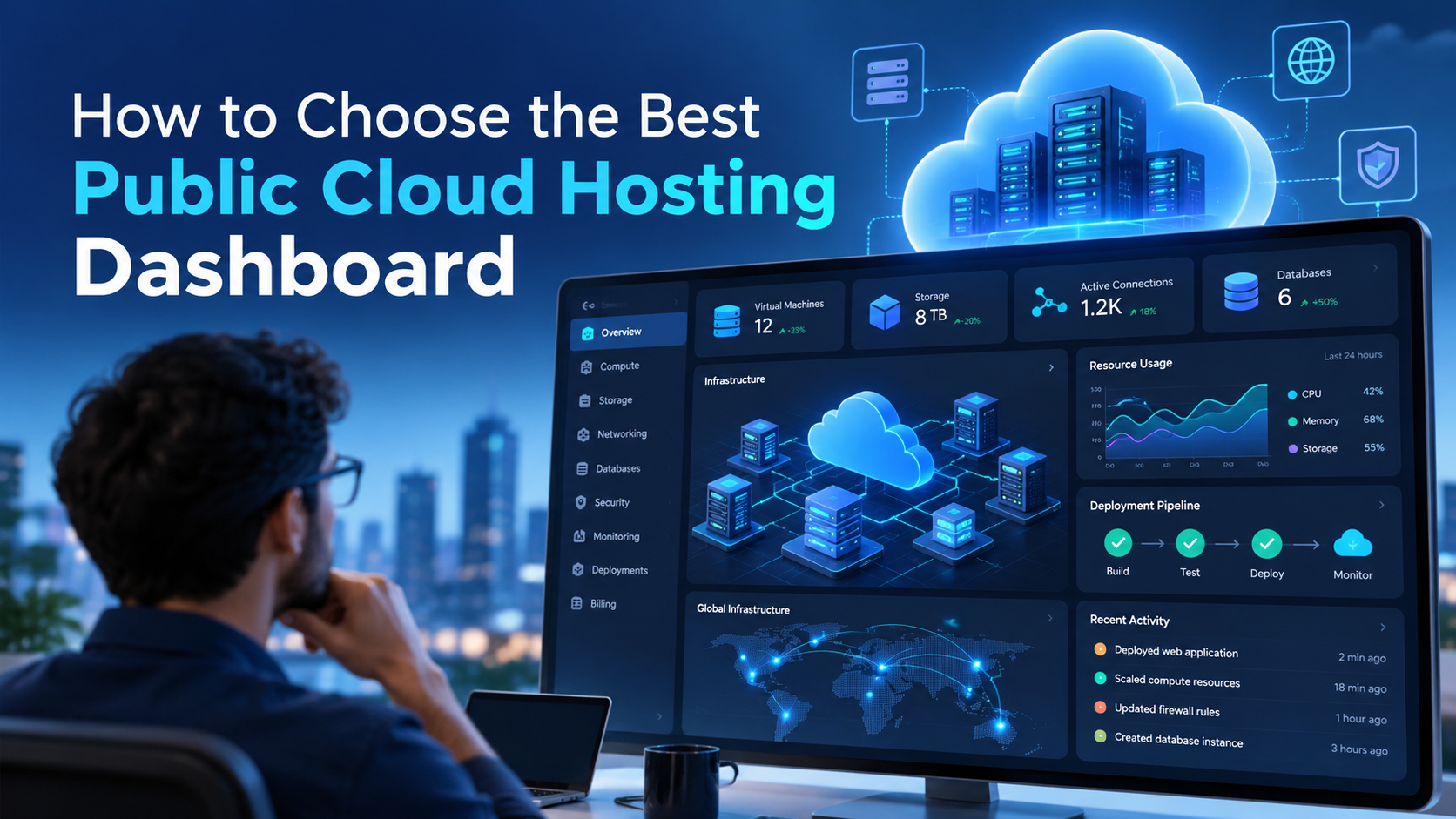
How to Choose the Best Public Cloud Hosting Dashboard
Public cloud hosting has transformed how businesses build, deploy, and manage applications. Platforms such as Amazon Web Services (AWS), Microsoft Azure, and DigitalOcean provide powerful infrastructure without requiring organizations to purchase and maintain physical servers.
However, while cloud infrastructure has become more accessible, managing it efficiently remains a challenge.
Deploying an application may involve configuring servers, networks, databases, permissions, security policies, and deployment pipelines. Maintaining that application introduces additional responsibilities, including updates, monitoring, backups, and incident response.
For organizations without a dedicated DevOps team, these tasks can quickly become overwhelming.
That is why choosing the best public cloud hosting dashboard matters.
A well-designed cloud management dashboard helps organizations simplify application deployment, streamline development workflows, organize infrastructure, and reduce repetitive operational work.
But not every dashboard offers the same capabilities.
Some focus primarily on monitoring cloud resources. Others provide detailed infrastructure administration. More advanced platforms combine cloud infrastructure management with application development, deployment automation, and team collaboration.
The right choice depends on your applications, your team’s technical expertise, and how much control you want over your cloud infrastructure.
This guide explains what to look for in a public cloud hosting dashboard, which features matter most, and how to evaluate whether a platform can support your organization’s long-term needs.
What Is a Public Cloud Hosting Dashboard?
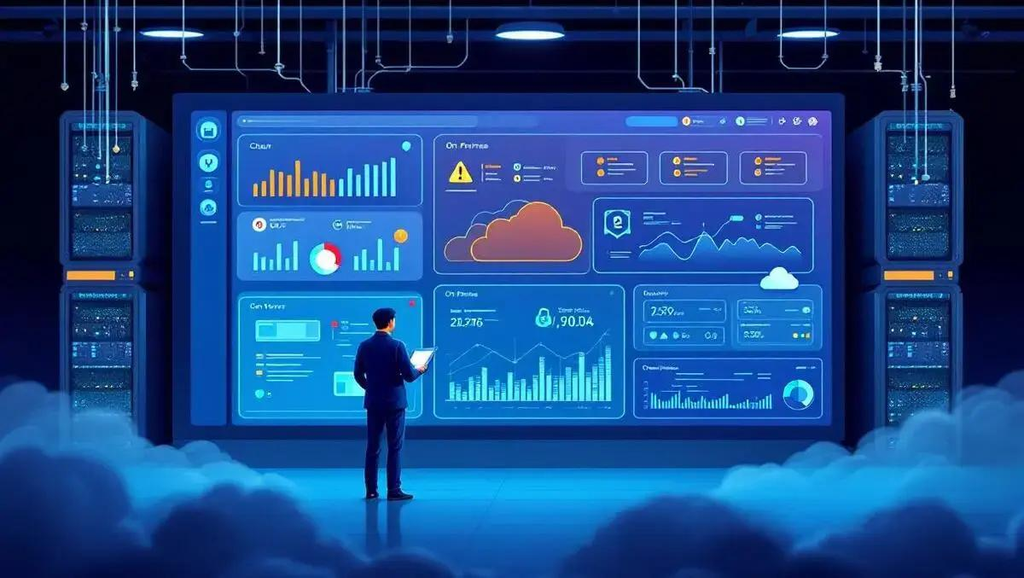
A public cloud hosting dashboard is a centralized interface used to view, configure, and manage cloud infrastructure or the applications running on it.
Instead of relying entirely on command-line tools, custom scripts, and separate administration interfaces, teams can use a dashboard to perform common operations through a more accessible interface.
Depending on the platform, these operations may include:
- Deploying websites and applications
- Managing servers and cloud resources
- Creating development and staging environments
- Monitoring application performance
- Managing databases and storage
- Configuring access permissions
- Reviewing infrastructure costs
- Managing application backups
- Automating deployment workflows
However, there is an important distinction between infrastructure management and application management.
An infrastructure dashboard focuses on resources such as virtual machines, networking, storage, and databases.
An application management dashboard focuses on the applications running on those resources, including their code, environments, deployments, and development workflows.
For example, an AWS administrator may use the AWS Management Console to configure cloud infrastructure. A development team may prefer an application orchestration platform that helps deploy and manage websites within that infrastructure.
Both approaches are valuable, but they solve different problems.
Understanding that distinction is the first step toward selecting the best public cloud hosting dashboard for your organization.
Why Businesses Need a Better Cloud Hosting Dashboard
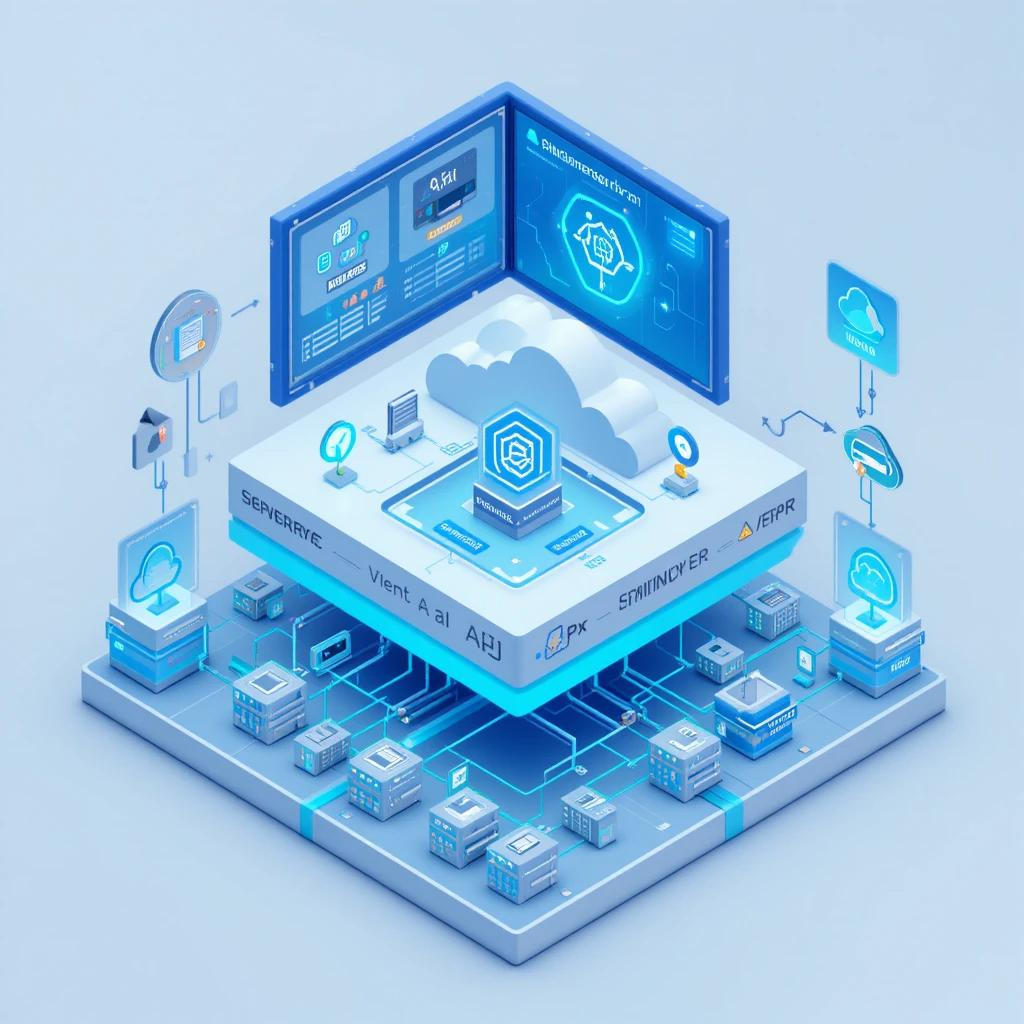
Public cloud providers offer extensive capabilities, but their native management consoles are designed to support a wide range of infrastructure services.
That flexibility can introduce complexity for teams whose primary objective is simply to run reliable applications.
Consider a small development agency managing 20 client websites.
Each website may require a production environment, development environment, database, backup process, deployment workflow, and access controls.
If the agency manages everything manually, its developers may spend substantial time coordinating infrastructure instead of building features for customers.
A centralized cloud hosting dashboard can simplify these recurring activities.
Reduce Manual Infrastructure Work
Manually configuring application environments creates opportunities for inconsistent settings and human error.
A dashboard that automates repeatable tasks can reduce the number of steps required to deploy and maintain applications.
Improve Developer Productivity
Developers should be able to work on application code without becoming responsible for every infrastructure detail.
Platforms that support Git integration, environment cloning, and cloud development environments can help developers move between projects more efficiently.
Standardize Application Operations
As organizations grow, maintaining consistent processes becomes increasingly important.
Standardized workflows help teams follow similar deployment, testing, and access management procedures across multiple applications.
Maintain Better Operational Visibility
A useful dashboard helps teams understand which applications are running, where they are deployed, who can access them, and which activities require attention.
The goal is not simply to display information. It is to make everyday cloud operations easier to manage.
8 Essential Features of the Best Public Cloud Hosting Dashboard
When comparing platforms, prioritize capabilities that directly support your organization’s workflows.
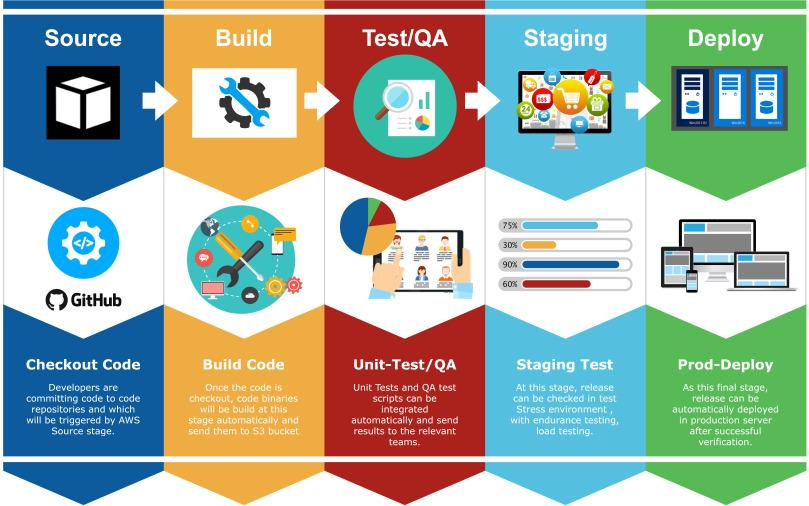
A dashboard with hundreds of features is not necessarily better than one that reliably handles the tasks your team performs every day.
1. Simple Application Deployment
Application deployment should be one of the first capabilities you evaluate.
Traditional cloud deployment often requires coordinating infrastructure provisioning, application runtime configuration, database connections, networking, and security permissions.
An effective dashboard simplifies the process.
Look for a platform that supports:
- Deploying applications from Git repositories
- Reusing application templates
- Configuring application environments
- Managing deployment settings
- Tracking deployment status
- Repeating deployments consistently
For organizations running WordPress, Drupal, Laravel, Node.js, or custom applications, deployment workflows should accommodate the frameworks and technologies already in use.
What to test: Deploy a representative application from a repository. Record how many manual steps are required before the application becomes accessible.
2. Development, Testing, and Staging Environments
Production should not be the primary place where developers experiment with code changes.
A strong cloud hosting dashboard should make it easier to create separate environments for development, testing, staging, and production.
These environments support safer collaboration and more predictable releases.
For example, a developer updating a WordPress plugin should be able to test the update before deploying it to the live website.
Similarly, a Drupal development team may need multiple environments to evaluate new modules, themes, or configuration changes.
Features such as application cloning, branch-based environments, and database synchronization can significantly improve these workflows.
The best public cloud hosting dashboard should help teams create and manage environments without requiring extensive manual infrastructure configuration each time.
3. Git Integration and Deployment Automation
Modern application development relies heavily on version control.
A hosting dashboard should work with existing Git-based workflows rather than requiring developers to maintain a separate deployment process.
Useful capabilities include:
- Connecting GitHub, GitLab, or Bitbucket repositories
- Associating environments with branches
- Deploying approved code changes
- Maintaining consistent release procedures
- Supporting collaboration and code review
Automation should make deployments more repeatable while preserving appropriate checks before production releases.
For organizations with multiple developers, these capabilities can reduce dependency on individual engineers who understand complicated deployment scripts.
4. Security and Access Management
Security is a critical consideration when selecting a cloud management platform.
A dashboard may provide convenient access to cloud resources, but that convenience must not weaken security controls.
Evaluate how the platform handles authentication, authorization, credentials, and environment access.
Important considerations include role-based access controls, single sign-on where supported, secure credential handling, and separation between development and production environments.
For agencies managing customer applications, access boundaries are especially important.
A developer assigned to one client should not automatically receive access to every other client’s resources.
Similarly, contractors may need temporary access to specific projects without receiving broader administrative privileges.
The right dashboard should help administrators organize permissions and reduce unnecessary access.
5. Cloud Infrastructure Ownership and Portability
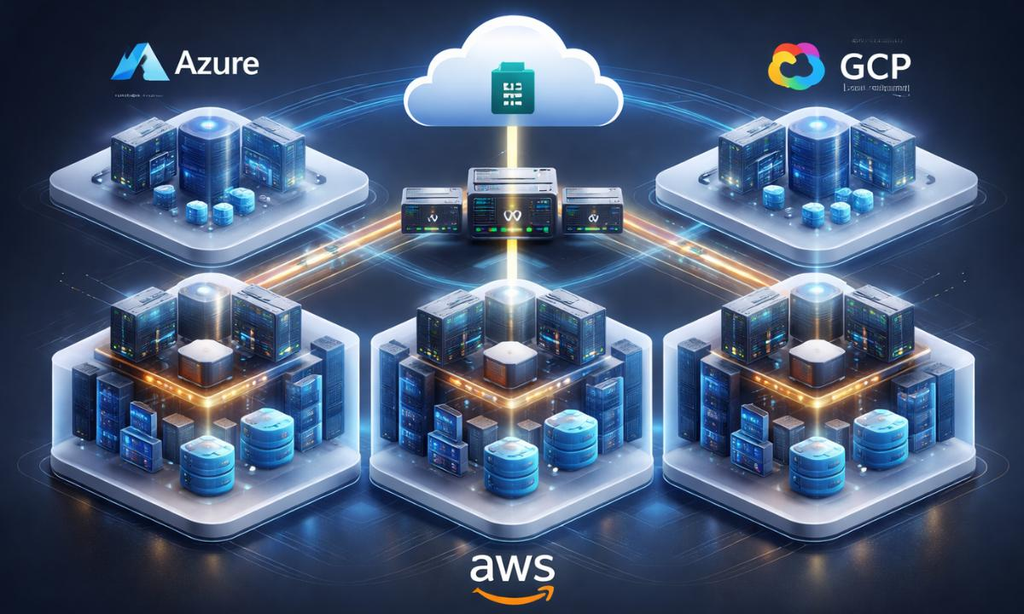
One of the most overlooked considerations when choosing a cloud hosting dashboard is infrastructure ownership.
Some hosting platforms operate applications inside infrastructure owned and managed by the hosting provider.
Other platforms allow organizations to run applications within their own cloud accounts.
The second model is commonly known as Bring Your Own Cloud (BYOC).
With BYOC, the organization maintains control over its cloud account and underlying infrastructure while using a management platform to simplify operations.
This can provide important advantages:
- Greater control over cloud resources
- Direct relationships with cloud providers
- Flexibility in selecting infrastructure configurations
- Improved visibility into provider-level spending
- Greater independence from a single hosting vendor
However, owning cloud infrastructure also introduces responsibilities.
Organizations still need appropriate security policies, backup strategies, cost controls, and operational support.
A good BYOC dashboard helps make those responsibilities more manageable without obscuring who owns the infrastructure.
6. Backup, Recovery, and Monitoring Capabilities
Cloud applications require more than successful deployment.
They also need reliable operational processes.
When evaluating dashboards, determine how backups, monitoring, alerts, and recovery are handled.
Ask whether the platform provides these capabilities directly, integrates with specialized services, or requires additional configuration.
A complete evaluation should cover application backups, database recovery, log access, performance monitoring, and incident response.
Pay particular attention to restore procedures.
A backup system is only useful when the organization can successfully recover the application and its data.
Rather than relying on feature descriptions, test recovery with a non-production application.
7. Multi-Cloud Support
Many organizations operate across more than one cloud provider.
An agency may host one customer in AWS while another customer requires Azure. A smaller development project may run on DigitalOcean.
A multi-cloud dashboard can provide more consistent workflows across these environments.
However, supporting multiple providers does not mean that every capability works identically across them.
Each cloud provider offers different infrastructure services, APIs, permissions, and networking models.
Before selecting a multi-cloud platform, verify which workflows are supported for each provider.
For a deeper comparison, read our guide to the best cloud hosting dashboard for managing sites across AWS, Azure, and DigitalOcean.
8. Team Collaboration and Workspace Management
Cloud hosting becomes more complicated as additional developers, administrators, project managers, and customers become involved.
An effective dashboard should help organize applications around teams and projects.
Workspace-based organization can make it easier to separate customer accounts, assign responsibilities, and maintain visibility across multiple applications.
For example, an agency may want one workspace for each client, with different developers assigned to individual projects.
An organization with multiple departments may need similar separation between internal teams.
The dashboard should support the way people collaborate, not just the way servers are configured.
Different Types of Public Cloud Hosting Dashboards
Not every organization needs the same type of cloud management platform.
Understanding the available categories can help narrow the search.
| Dashboard Type | Primary Purpose | Best Fit |
|---|---|---|
| Native cloud consoles | Configure provider-specific infrastructure | Cloud administrators and experienced infrastructure teams |
| Infrastructure monitoring dashboards | Track resource health, metrics, and alerts | Operations and monitoring teams |
| Server management panels | Simplify server and hosting administration | Small hosting operations and individual site owners |
| Application orchestration platforms | Manage deployments, environments, and application workflows | Developers, agencies, and application teams |
| Managed hosting dashboards | Manage applications within a hosting provider’s service | Businesses preferring outsourced infrastructure operations |
For example, AWS, Azure, and DigitalOcean provide native interfaces for administering their services.
These tools offer extensive provider-specific capabilities but may require more infrastructure expertise.
Application orchestration platforms focus on making application operations more accessible.
Managed hosting platforms simplify many responsibilities by operating the underlying infrastructure on behalf of customers.
There is no universally correct choice.
The best public cloud hosting dashboard is the one that matches your operational requirements and preferred level of control.
How to Evaluate Cloud Hosting Dashboard Pricing
Price comparisons should include more than a platform’s monthly subscription.
The total cost of operating cloud applications may include several components.
Cloud infrastructure costs: Compute, storage, managed databases, networking, and bandwidth charges.
Platform costs: Subscription fees, management fees, or usage-based charges associated with the dashboard.
Operational labor: Time spent deploying applications, configuring environments, maintaining infrastructure, and resolving problems.
Support costs: Professional services, support agreements, monitoring services, and incident response assistance.
Migration costs: The resources required to move applications or change providers.
A dashboard with a low subscription price may still be expensive if it requires extensive manual administration.
Conversely, a platform with additional management costs may provide value by reducing repetitive operational work.
The important question is not simply, “How much does the dashboard cost?”
It is, “How much does it cost to reliably operate our applications using this platform?”
When comparing solutions, estimate costs using a representative application and your expected number of environments.
How to Choose the Best Public Cloud Hosting Dashboard: A Practical Checklist
Before committing to a platform, evaluate it using a real application.
Product demonstrations show capabilities, but hands-on testing reveals whether those capabilities support your team.
Use the following checklist during your evaluation:
- Deploy a real application. Verify the complete process from repository connection to a working deployment.
- Create a staging environment. Determine whether your team can reproduce an application environment without extensive manual configuration.
- Test a development workflow. Make a small code change, review it, and deploy it through the intended release process.
- Verify user permissions. Confirm that administrators, developers, and contractors receive appropriate access.
- Review infrastructure ownership. Identify who controls the cloud account, application data, and infrastructure configuration.
- Test backup and recovery. Confirm that a recoverable backup can be created and restored.
- Review monitoring and support. Identify which tools detect problems and who responds to operational incidents.
- Estimate scaling requirements. Consider whether the platform can support more applications, environments, and collaborators as the organization grows.
- Calculate total operating costs. Include infrastructure, platform fees, administration, and support.
- Document the exit process. Determine how applications, configuration, and data can be maintained or migrated if the organization changes platforms.
A successful evaluation should produce a clear understanding of which tasks the platform simplifies and which responsibilities remain with your team.
When Is DevPanel the Best Choice?
DevPanel is particularly relevant for organizations that want to manage applications in public cloud infrastructure without building a large internal cloud operations team.
Unlike a dashboard focused primarily on server metrics, DevPanel is designed around application orchestration and development workflows.
Through its Bring Your Own Cloud approach, DevPanel helps teams deploy and manage applications in cloud infrastructure controlled by the customer.
This model is useful for organizations that value cloud ownership but also want simpler application operations.
Centralized Application Management
DevPanel provides a central interface for managing applications, environments, and related workflows.
Instead of coordinating every task through separate infrastructure interfaces, developers can use consistent application management processes.
Cloud Development Environments
DevPanel supports browser-based development environments, helping developers work on applications without repeatedly configuring local development tools.
These environments can support collaborative development, testing, and branch-based workflows.
Learn more about DevPanel’s cloud development environments.
Workspaces for Teams and Projects
DevPanel Workspaces help organize applications, projects, and collaborators.
This can be particularly useful for agencies managing multiple customers or organizations coordinating work across departments.
Customer-Owned Cloud Infrastructure
DevPanel’s BYOC architecture enables organizations to retain control of their cloud infrastructure while using the platform for application orchestration.
This creates a different operational model from hosting services that require customers to run applications entirely inside provider-owned accounts.
Support for Complex Operations
Not every infrastructure responsibility can or should be automated.
Organizations may still need assistance with architecture, security, troubleshooting, and production operations.
DevPanel offers professional services for teams requiring additional expertise.
Who Should Consider DevPanel?
DevPanel is worth evaluating for:
- Development agencies managing applications across multiple clients
- Small IT teams seeking repeatable application deployment processes
- Drupal and WordPress teams managing frequent development and staging changes
- SaaS teams deploying applications in customer-owned cloud accounts
- Organizations with governance requirements that want to retain infrastructure ownership
However, DevPanel is not necessarily the best choice for every workload.
If an organization only needs to monitor infrastructure metrics, the cloud provider’s native tools or dedicated monitoring platforms may be sufficient.
If an organization wants to outsource nearly all infrastructure responsibility, a fully managed hosting service may be more appropriate.
The deciding factor is whether the organization needs a platform for managing application workflows, rather than simply viewing cloud resources.
Can You Manage Public Cloud Hosting Without a Full DevOps Team?

Yes, many routine application management tasks can be simplified through automation and higher-level management platforms.
However, this does not mean that DevOps expertise becomes unnecessary.
Infrastructure security, complex networking, disaster recovery, production troubleshooting, and advanced scalability still require appropriate skills and oversight.
A well-designed dashboard reduces the amount of specialized work required for everyday operations.
For example, a developer may not need to manually provision an entire infrastructure stack just to create a staging environment.
An agency may not need custom deployment scripts for every customer application.
A small business may be able to manage routine deployments while relying on external specialists for advanced infrastructure decisions.
The objective is to use expertise more efficiently.
Rather than requiring DevOps engineers to perform every repetitive deployment task, organizations can use automation for standard operations and reserve specialist involvement for situations that genuinely require it.
This is one of the strongest reasons to evaluate application orchestration platforms when choosing the best public cloud hosting dashboard.
Frequently Asked Questions
What is the best public cloud hosting dashboard for small businesses?
The best option depends on the applications being managed and the technical expertise available. Small businesses should prioritize simple deployment, reliable environment management, access controls, backup and recovery processes, predictable costs, and available support. DevPanel is worth considering when the business wants application management workflows in customer-owned cloud infrastructure.
Can developers manage AWS hosting without DevOps expertise?
Developers can manage many routine application tasks through platforms that simplify deployment and infrastructure operations. However, advanced cloud architecture, security, networking, and incident response still require specialized knowledge.
Is DevPanel a public cloud hosting provider?
DevPanel is primarily an application orchestration platform. Its Bring Your Own Cloud model allows applications to run in customer-controlled cloud infrastructure while DevPanel provides management and automation capabilities. Managed service options are also available.
Can one dashboard manage applications across AWS, Azure, and DigitalOcean?
Yes. Platforms such as DevPanel support application workflows across these providers. However, individual infrastructure capabilities may vary by provider, so organizations should verify the services and workflows they require.
Do small development teams need Kubernetes?
Not necessarily. Kubernetes can be useful for complex application environments, but many smaller workloads do not require teams to administer Kubernetes directly. A suitable orchestration platform can simplify Kubernetes-based application management where that architecture is appropriate.
Can DevPanel replace a DevOps engineer?
DevPanel can reduce manual infrastructure and deployment work, but it does not eliminate the need for specialized expertise. Security, production incidents, advanced architecture, and complex infrastructure decisions still require knowledgeable professionals.
Is BYOC better than traditional managed hosting?
BYOC is attractive when infrastructure ownership, cloud account control, governance, and flexibility are priorities. Traditional managed hosting may be preferable when an organization wants to delegate more operational responsibility to its provider.
What is the most important feature in a cloud hosting dashboard?
The most important feature is the ability to reliably support the organization’s actual operational workflows. For application-focused teams, deployment automation, environment management, access control, and recovery capabilities are often more valuable than an extensive collection of infrastructure metrics.
Conclusion: Choose a Dashboard That Makes Public Cloud Hosting Easier
Public cloud infrastructure gives businesses access to powerful computing resources without the overhead of maintaining physical data centers.
But using those resources effectively still requires reliable application management processes.
Developers need repeatable deployment workflows.
Agencies need consistent ways to manage customer projects.
IT teams need clear access controls and operational visibility.
Businesses need dependable security, backup, and recovery strategies.
And many organizations want direct control over the cloud infrastructure supporting their applications.
Choosing the best public cloud hosting dashboard means finding a platform that brings these requirements together without introducing unnecessary complexity.
For organizations that need only basic infrastructure monitoring or administration, native cloud provider tools may be sufficient.
For teams managing websites and applications that require development environments, collaboration, deployments, and ongoing maintenance, an application orchestration platform can provide a more integrated experience.
DevPanel helps bridge that gap by combining application management workflows with customer-owned cloud infrastructure.
The result is an operating model in which developers can focus more on building applications, while standardized workflows reduce the burden of repetitive cloud administration.
You do not need a full DevOps department to benefit from public cloud hosting.
You need the right infrastructure, reliable processes, and a management platform that supports the way your team works.
Explore the DevPanel Platform to discover how your organization can manage public cloud applications with greater control and less operational complexity.