
Azure for Nonprofits: Automating WordPress & Drupal Ops to Cut Costs

Quick Summary
What is the best hosting strategy for Nonprofits?
Nonprofits often face a “Cloud Hosting Trilemma,” forced to choose between Cost (using free Azure credits), Control (owning their data), and Simplicity.
- DIY Azure: Maximizes credits but requires expensive DevOps expertise.
- Managed Hosting: Easy to use but cannot use Azure grants and has high fees.
- Control Plane (DevPanel): The smartest path—it automates WordPress and Drupal hosting inside your own Azure account, allowing you to use your $2,000 grant to cover infrastructure costs while eliminating complexity.
Introduction: The Hidden Barrier to Cloud Adoption

Technical leaders at nonprofits want to leverage the power of public clouds like Microsoft Azure to scale their impact. With the $2,000 annual Azure grant available to eligible nonprofits, the financial incentive is clear. However, organizations are immediately blocked by the immense operational complexity required to build and maintain a production-ready environment.
This creates a false choice: drown in unmanageable DIY complexity or pay premium prices for managed hosting that locks you out of your own cloud credits.
📺 Watch: The Smartest Way for Nonprofits to Host on Azure
Understanding the three paths to Azure adoption: The Expert Path, The Guided Path, and The Automation Path.
http://www.youtube.com/watch?v=Zn5txnX3c78
1. The Lure of DIY Cloud: Maximum Control, Extreme Cost
Manually deploying applications like WordPress or Drupal on raw cloud infrastructure offers maximum Control but requires significant, ongoing DevOps expertise that introduces extreme Complexity and unpredictable operational Cost.
For a production-grade site on Azure, you are not just “hosting a site”; you are assembling a full stack of services:
- Compute: Virtual Machines (VMs) or App Service
- Database: Azure Database for MySQL Flexible Server
- Storage: Azure Files and Blob Storage
- Networking: Azure Front Door
- CI/CD: GitHub Actions pipelines
The Hidden Risks of Manual Azure
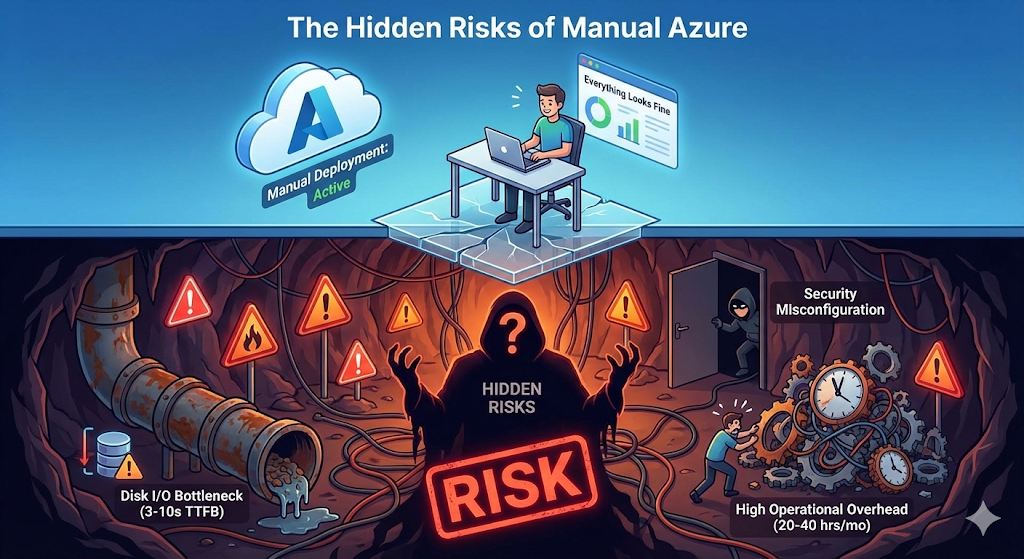
- Severe Performance Limitations: The default platform-as-a-service option, Azure App Service for WordPress, suffers from a fundamental architectural flaw. Because it runs applications from network storage rather than local disks, it often results in a 3-10 second Time To First Byte (TTFB).
- High Operational Overhead: A manual deployment requires an estimated 20-40 hours per month for security patching, updates, and general maintenance.
- Steep Learning Curve: This approach is NOT recommended for teams without dedicated DevOps resources due to the high risk of security misconfigurations.
2. Managed Hosting: Simplicity at the Cost of Credits
Managed platforms (like WP Engine for WordPress or Pantheon for Drupal) achieve simplicity by abstracting away infrastructure. They solve the Complexity problem, but they force a sacrifice of both Control and Cost-efficiency.
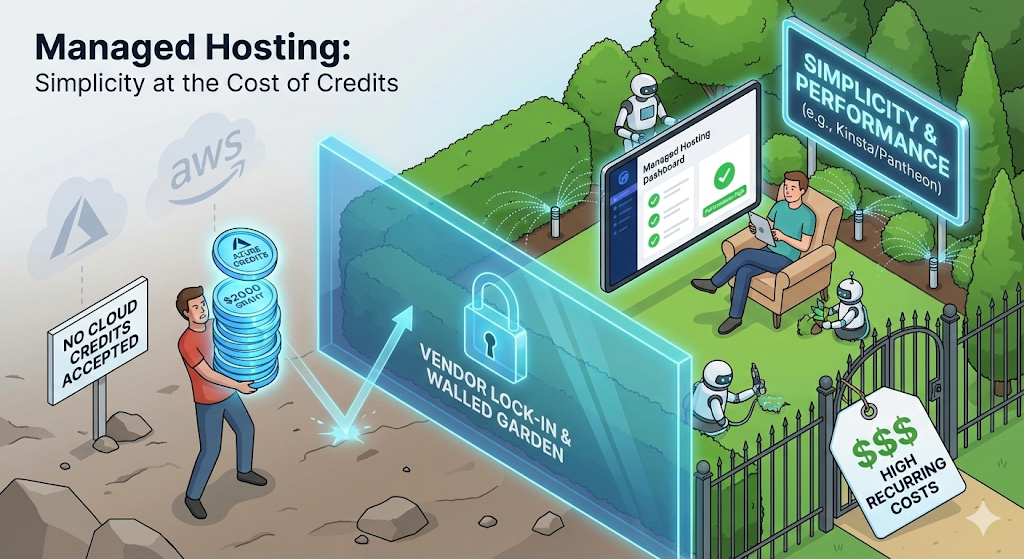
These services operate as “walled gardens.” For example, Kinsta is built exclusively on Google Cloud Platform (GCP). Your application lives in their infrastructure, not yours.
Why Managed Hosting Fails the Nonprofit Model
- Inability to Use Cloud Credits: The primary disadvantage is that you cannot use your own Azure credits. If you have a $2,000 grant from Microsoft, it is useless here.
- Vendor Lock-In: Migrating away is difficult because the environment, caching layers, and workflows are specific to that vendor.
- High Recurring Costs: Enterprise-level services like Pantheon can cost anywhere from $500 to $3,300+ per month, far exceeding the budget of many organizations.
3. Azure MSPs: Expertise as a Service
An Azure Managed Service Provider (MSP) acts as a dedicated operations team for your cloud account. This grants you Control over your subscription but adds a new layer of Cost and dependency.
An MSP provides 24/7 monitoring, security management, and incident response. They effectively become your outsourced DevOps team.
The Trade-off
- Added Management Fees: A typical MSP adds $100-500+ per month in recurring fees on top of your underlying Azure infrastructure bill.
- Provider Dependency: This model creates a bottleneck. Development teams lose autonomy and must file tickets for routine tasks.
4. The Solution: A “Control Plane” Reclaims Cost and Control
The modern solution to the Cloud Hosting Trilemma is a Control Plane.
A control plane runs inside your own cloud subscription, automating complex infrastructure tasks while ensuring you retain full ownership and the ability to use provider credits.
DevPanel is the leading example of this approach. It is a free, open-source platform that installs into your own Azure account, transforming it into a managed, automated environment. It combines the simplicity of managed hosting with the control of owning your own cloud.
How DevPanel Solves the Trilemma

- Zero Markup: “When you run DevPanel inside your own cloud account, it costs us nothing… We don’t charge you for hosting, compute, or storage“.
- Use Your Credits: Because the infrastructure is in your Azure subscription, every dollar is covered by your $2,000 nonprofit grant.
- Support for WordPress & Drupal: Whether you are running a simple WordPress blog or a complex Drupal architecture, DevPanel automates the deployment equally well.
- Automated Kubernetes: It deploys enterprise-grade Kubernetes clusters but abstracts the complexity, allowing you to manage them with point-and-click simplicity.
🎧 Listen: Deep Dive into Cloud Control Planes
Tune in to our latest discussion on how automation is changing the nonprofit hosting landscape.
5. Strategic Analysis: The Real Total Cost of Ownership (TCO)
A true TCO calculation must include engineering hours, the value of unused credits, and support costs.
| Feature | Manual Azure | Managed Hosts (e.g., Kinsta/Pantheon) | Azure + DevPanel |
| Use Azure Credits? | ✅ Yes | ❌ No | ✅ Yes |
| DevOps Expertise | Expert Required | None | Beginner-Intermediate |
| Monthly Maint. Time | 20-40 Hours | 0 Hours | 2-5 Hours |
| Recurring Cost | $100-300+ (Cloud) | $30-3,300+ (All-inclusive) | $100-300+ (Cloud Only) |
| Vendor Lock-In | None | High | Low |
| Performance | Variable (Risk of Low I/O) | High | High (Kubernetes) |
[Table Data Source: Comprehensive Guide to Azure Hosting Credits and WordPress Hosting for Nonprofits]
Conclusion
The old choice between DIY cloud complexity and the costly walled gardens of managed hosting is a false dichotomy. The smartest strategy for nonprofits is to own your cloud infrastructure and automate its management with a control plane.
By using DevPanel with your Azure credits, you can:
- Eliminate hosting costs (covered by the grant).
- Retain full control of your data and infrastructure.
- Automate operations without hiring a DevOps team.
Next Step: Are you ready to reclaim your cloud strategy?
Check out our deep dive research on Perplexity: https://www.perplexity.ai/page/-7vAVIUezQhOmDJwVlfsjwA
FAQ
Q: Can I really host my nonprofit site for free using Azure?
A: Yes. Microsoft provides eligible nonprofits with $2,000/year in Azure credits.8 If your infrastructure costs (managed via DevPanel) stay under this limit, your out-of-pocket cost is $0.
Q: Is Azure App Service good for WordPress or Drupal?
A: Generally, no. Azure App Service runs on network storage, which causes significant latency for PHP applications like WordPress and Drupal. A containerized approach (AKS) or VM-based approach is recommended for performance.
Q: Do I need to know Kubernetes to use DevPanel?
A: No. DevPanel automates the creation and management of Kubernetes clusters, providing a dashboard similar to managed hosting providers, so you don’t need to touch the command line.
One Comment
Comments are closed.