
Best Tools for Managing Multiple WordPress Sites on AWS (2026 Guide for Agencies)
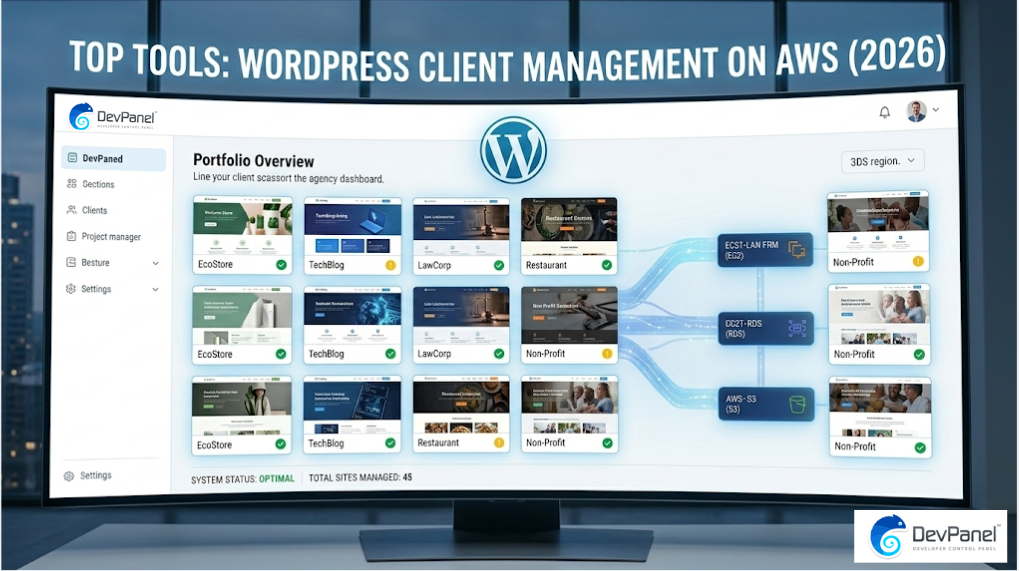
Managing many WordPress client sites on AWS sounds powerful, but it can quickly become expensive and complex without the right tools. In fact, DIY WordPress infrastructure on AWS costs between $140 and $2,700+ per month in labor and service fees, which is why agencies increasingly rely on automation platforms to run client portfolios efficiently in 2026.
Key Takeaways
| Question | Answer |
|---|---|
| What is the best platform for managing multiple WordPress clients on AWS? | Platforms like DevPanel provide centralized dashboards, automated deployments, and infrastructure control directly inside your AWS account. |
| How do agencies manage dozens of WordPress sites efficiently? | They use automation features such as templates, cloning, and Git workflows available in tools like application templates. |
| Can developers work directly in the cloud instead of local environments? | Yes. Cloud IDEs allow development in the browser using tools such as cloud-based development environments. |
| How do teams connect AWS infrastructure to management platforms? | Modern panels let you link your own cloud account using secure integrations such as AWS account linking. |
| How do agencies organize developers and client projects? | Centralized project management with environments and team roles is typically handled through workspace-based collaboration. |
| Where can you check platform plans and costs? | You can review available tiers and infrastructure options on the platform pricing page. |
Why Agencies Choose AWS for WordPress Client Hosting
AWS gives agencies complete ownership of infrastructure instead of relying on restrictive hosting providers. You control scaling, networking, security, and costs inside your own account.
This level of control matters when managing multiple WordPress clients because every site may have different performance requirements. A centralized cloud environment keeps everything organized.
In 2026, agencies increasingly prefer infrastructure they own rather than renting space in a managed hosting environment. This approach reduces vendor lock‑in and keeps long‑term costs predictable.
With the right management tools, AWS becomes approachable even for small teams running dozens of WordPress sites.
What to Look for in WordPress Client Management Tools
Not every cloud tool is designed for agencies handling many WordPress clients. The right platform reduces operational overhead instead of adding more configuration work.
When we evaluate tools for managing WordPress on AWS, we focus on automation, visibility, and developer workflow support.
- Centralized dashboards for multiple client environments
- Infrastructure automation using tools like Terraform
- Git integration for deployment pipelines
- Team access control for developers and clients
- Reusable templates for rapid site launches
These capabilities allow a single operator to manage dozens of WordPress sites without building custom scripts or manual infrastructure processes.

DevPanel: A Unified Platform for WordPress on AWS
What the Experts are Saying: “I have a WP multisite running in AWS with DevPanel.” — Justin Keiser, Drupal Web Programmer at Academy of Model Aeronautics
DevPanel bridges the gap between raw AWS infrastructure and easy application management. Instead of configuring servers manually, we operate through a platform designed for developers and agencies.
The platform deploys applications directly into your own AWS account using Terraform and Ansible automation. This means you keep control of infrastructure while benefiting from automated workflows.
For agencies handling many client sites, this model combines the independence of cloud ownership with the convenience of a managed interface.
Deploy and Clone WordPress Sites in Minutes
One of the biggest bottlenecks in managing many WordPress clients is launching new environments quickly. Automated deployment and cloning remove that friction.
Using the deploy and clone workflow, agencies can duplicate sites, branches, and databases with simple point and click operations.
This approach makes staging environments easy to manage. Developers can spin up testing environments for updates or new features without affecting production sites.
The result is reliable, repeatable deployments across all client projects.
Did You Know?
92% of AWS customers spend less than $1,000 per month on cloud services.
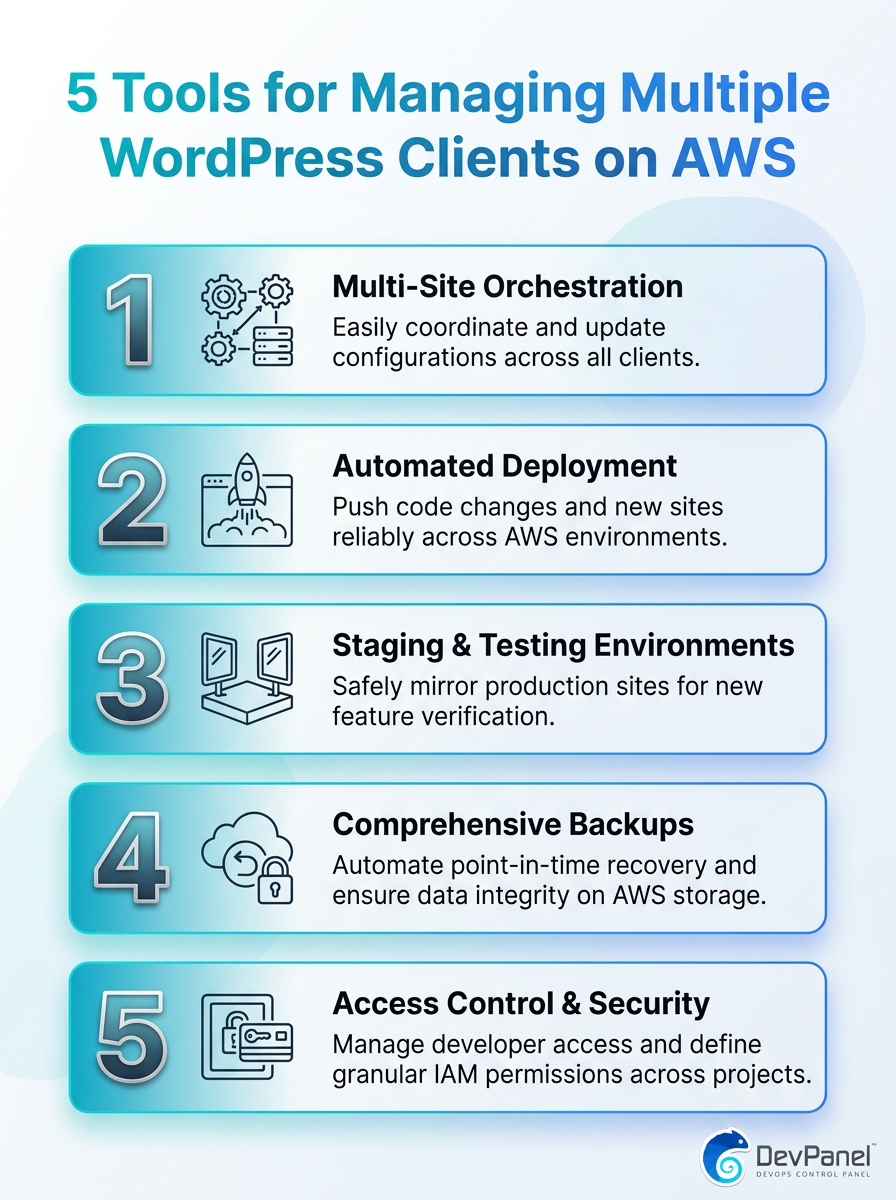
A visual guide to the top 5 tools for managing multiple WordPress client sites on AWS.
Using Templates to Launch Client WordPress Sites Faster
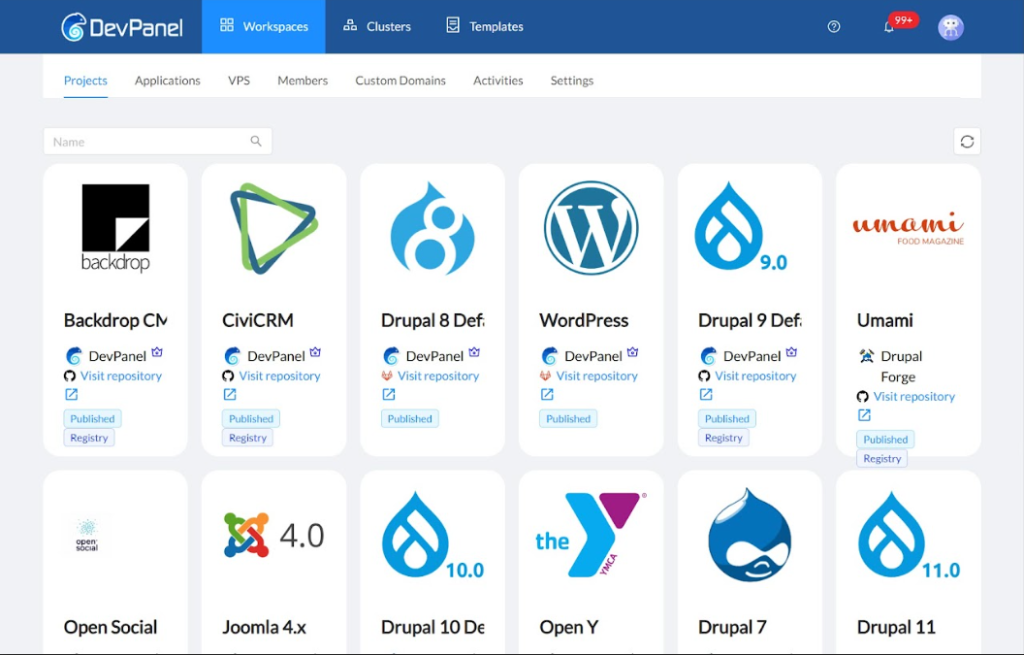
Launching a new WordPress client site should not require rebuilding the same stack repeatedly. Templates solve this by standardizing the infrastructure and application setup.
DevPanel supports reusable templates that include application configuration, themes, and modules. Teams can start projects from tested blueprints instead of manual builds.
This method ensures consistency across client environments while reducing setup time dramatically.
Agencies benefit because every site starts from a secure and predictable configuration.
Cloud Development Environments for WordPress Teams
Modern WordPress workflows no longer rely only on local machines. Cloud development environments allow teams to work from any device using browser-based IDEs.
Through cloud development environments, developers can clone branches, create environments, and share review links in minutes.
This workflow improves collaboration because every environment runs on the same infrastructure. There is no confusion about dependencies or configuration differences.
For agencies managing many client sites, the ability to spin up isolated environments keeps development organized.
Git-Based Workflows for WordPress Client Projects
Professional WordPress development relies on version control to manage updates safely. Git integration allows teams to track every change across multiple client sites.
DevPanel integrates directly with GitHub, GitLab, and Bitbucket. Developers can build preview environments for any branch and review changes before merging.
This workflow eliminates the risk of editing production environments directly. Every change follows a structured deployment process.
When agencies manage dozens of WordPress clients, consistent Git workflows become essential for stability.
Security and Compliance Tools for Client Websites
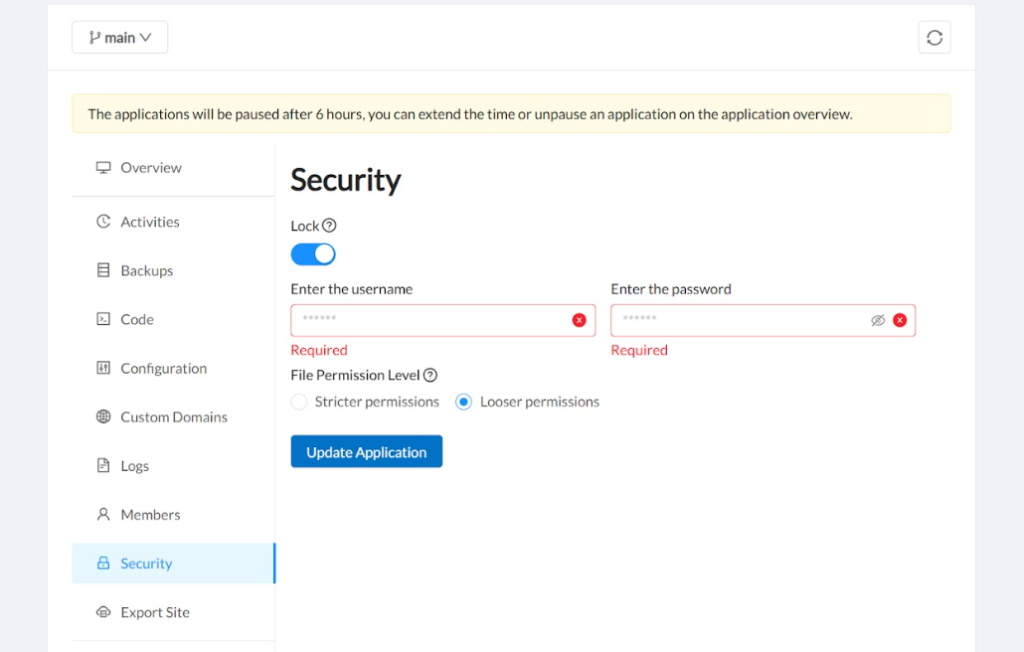
Security is a major concern when hosting many client websites on one cloud platform. Agencies must ensure strong protection without manually configuring each service.
Modern management platforms integrate security features such as WAF protection, DDoS mitigation, and audit trails. These tools reduce the operational burden on small teams.
Automation ensures security policies remain consistent across all environments. This prevents configuration drift that often leads to vulnerabilities.
Did You Know?
81% of IT decision-makers believe cloud-native security tools exceed what their own teams could deliver independently.
Cloud-native security tools make enterprise-grade protection accessible to agencies managing WordPress client portfolios.
How Agencies Scale WordPress Hosting for SMB Clients
Many agencies focus on small and medium-sized business websites. These clients need reliable hosting but rarely require enterprise infrastructure.
The SMB agency platform focuses on cost efficiency and productivity for agencies serving this market.
Teams can manage multiple sites while keeping infrastructure flexible through pay-per-use cloud resources.
This approach helps agencies stay profitable even when managing dozens of smaller client websites.
Best Workflow for Managing Dozens of WordPress Sites on AWS
The most effective agencies follow a structured workflow for client site management. Automation and standardized processes keep operations efficient.
A typical workflow looks like this:
- Create a reusable WordPress template.
- Launch client environments using the template.
- Connect the project to Git repositories.
- Use staging environments for testing updates.
- Deploy updates through automated pipelines.
This process allows a single developer or small team to maintain large WordPress portfolios without manual server management.
Conclusion
Managing multiple WordPress clients on AWS does not have to be complicated. With the right tools, agencies gain the power of cloud infrastructure without the operational burden.
Platforms like DevPanel combine automation, developer workflows, and centralized management in one environment. The result is a practical balance of cost, control, and simplicity for agencies building WordPress portfolios in 2026.
When infrastructure ownership meets smart automation, even small teams can manage dozens of client websites confidently.