
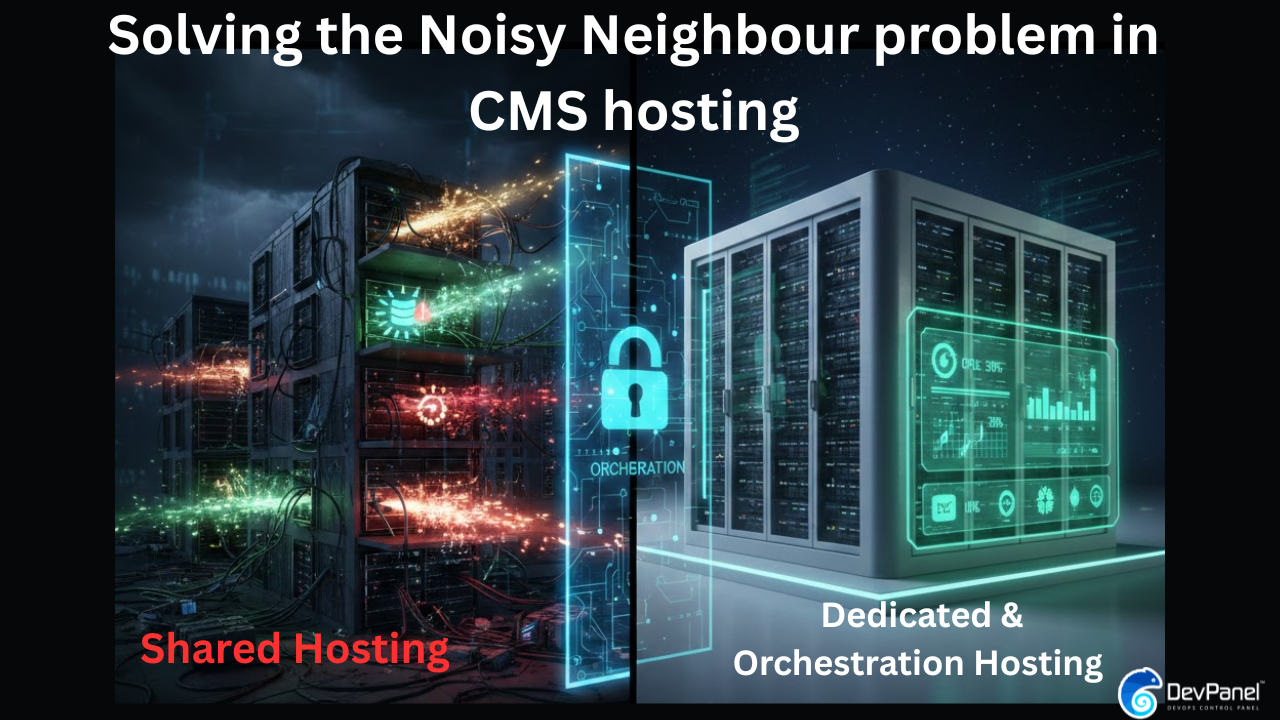
Solving the Noisy Neighbor Problem in CMS Hosting: The Ultimate Guide to Performance Isolation
The “noisy neighbor” problem represents one of the most persistent yet frequently misunderstood challenges in modern CMS hosting. For organizations running complex content management systems like Drupal and WordPress, this phenomenon can manifest as unpredictable performance degradation, inconsistent response times, and operational complexity that defies straightforward diagnosis.
If you’ve ever experienced that sinking feeling where your site is lagging even though your code is optimized and traffic is normal, you have likely encountered this digital mystery. This article examines the noisy neighbor problem from first principles, comparing how shared development platforms and dedicated infrastructure approaches address this fundamental architectural challenge in CMS hosting.
The Foundational Mechanics of the Noisy Neighbor Problem
At its core, the noisy neighbor problem emerges from resource contention in multi-tenant CMS hosting environments. Imagine living in an apartment building with paper-thin walls; you might be quiet, but if your neighbor throws a massive party at 3:00 a.m., your peace is shattered.
The Four Battlegrounds of Resource Contention
In cloud computing, this occurs when one application or virtual machine monopolizes shared resources, causing performance degradation for other tenants on the same infrastructure. This contention manifests across four main technical “battlegrounds”:
- CPU Contention in Multi-Tenant Environments: This is the most visible form of the problem. When one application consumes excessive CPU cycles—due to inefficient code or traffic spikes—other applications sharing the same physical cores experience increased latency. In Kubernetes, this is particularly challenging because sibling hyper threads utilize the same physical CPU core.
- Memory Bandwidth and Cache Efficiency: A less obvious bottleneck occurs when applications share the last-level cache (L3). If one workload fills the cache, others must fetch data from significantly slower main memory, compounding delays for database-heavy instances.
- Disk I/O Contention in CMS Hosting: This is a “data traffic jam” in the server’s hallway. One site’s intensive media processing or indexing task can saturate available IOPS, causing elevated response times for every site on that storage subsystem.
- Network Throughput Limitations: Large data transfers by one tenant can lead to packet loss and congestion for others, regardless of their own traffic patterns.
Why Modern CMS Hosting Workloads Are Particularly Vulnerable
Drupal and WordPress exhibit workload characteristics that make them “needy tenants” especially sensitive to these effects.
High Database Query Intensity
A typical Drupal or WordPress page request executes dozens or hundreds of database queries to assemble content and check permissions. In shared CMS hosting, one poorly optimized query from a neighbor can lock tables, causing cascading delays for your site.
Periodic Resource Spikes from Background Tasks
CMS hosting platforms rely on cron systems for search indexing, cache clearing, and log rotation. Because many sites schedule these tasks at round intervals (like midnight), they create aggregate load spikes that overwhelm shared infrastructure. The first HTTP request after a cron interval may experience degraded performance while these tasks execute.
Traffic Spikes and Cache Rebuilding
When a site experiences a traffic surge—from social media or breaking news—it must serve more requests while simultaneously rebuilding expired caches. In a multi-tenant environment, this dual demand doesn’t happen in isolation; the spike consumes resources that neighboring applications need to function.
Level 1: Shared Platforms and Logical Isolation in CMS Hosting
Shared platforms like Acquia, Pantheon, Upsun, and Amazee represent the “shared apartment” model of CMS hosting. They use container-based isolation to provide process-level separation, but the underlying physical infrastructure remains a shared pool.
The Architecture of Shared CMS Hosting
- Container-Based Isolation: Each site operates in its own container, providing process-level isolation while sharing underlying physical hardware.
- Logical vs. Physical Isolation: Modern platforms leverage Kubernetes for logical isolation (pods), but these pods still run on shared physical nodes, allowing noisy neighbor effects to persist at the node level.
- Resource Throttling Mechanisms: Platforms implement limits to control CPU and memory usage, but setting limits too low can prevent your application from scaling to meet demand.
Trade-offs: When Does Shared CMS Hosting Make Sense?
- Pros: Rapid provisioning, minimal operational responsibility, and cost efficiency for small to medium deployments.
- Cons: Performance variability is the number one problem. You also have reduced observability; when a site is slow, it is nearly impossible to tell if the issue is your code or a neighbor’s activity.
Level 2: Manual Dedicated Infrastructure for CMS Hosting
As a site grows, many “move out” to build their own house on cloud providers like AWS or Azure. This provides a dedicated environment where all resources—compute, storage, and networking—are isolated at the account level.
Achieving True Isolation in CMS Hosting
In dedicated environments, the “blast radius” of a resource-heavy operation is limited to your own infrastructure.
- Dedicated VPCs: Provides network-level isolation with private IP spaces, eliminating interference from other customers’ traffic.
- Dedicated Compute: AWS Dedicated Instances or Azure Dedicated Hosts ensure no other customers’ virtual machines run on your physical hardware.
- Independent Scaling: Cluster autoscaling responds only to your workload, meaning you aren’t competing for capacity during a surge.
The Operational Burden of Manual CMS Hosting
While this eliminates noisy neighbors, it introduces a “manual setup gauntlet”. A team must manually configure VPCs, subnets, Kubernetes clusters, and security policies. This leads to:
- Configuration Drift: The actual infrastructure state diverges from the coded configuration over time.
- Tribal Knowledge Concentration: Decisions and fixes are undocumented, staying in the heads of a few engineers.
- Longer Provisioning Times: Setting up production-grade dedicated infrastructure manually can take days or weeks.
Level 3: The Managed Estate via Application Orchestration
For organizations that need dedicated performance without the manual headaches, there is the “managed estate”. Platforms like DevPanel use application orchestration to act as an automated construction crew for your CMS hosting environment.
Video: The Noisy Neighbor Problem Explained
How Orchestration Redefines CMS Hosting
Orchestration abstracts infrastructure complexity. Instead of manually configuring load balancers, teams specify application requirements, and the software translates them into a best-practice cloud environment.
- Environment Parity: Orchestration ensures development, staging, and production environments are identical, killing the “it worked on my machine” bug.
- Branch-Based Ephemeral Environments: You can provision isolated environments for every git branch, allowing reviewers to interact with live code changes.
- Continuous Drift Detection: The platform automatically compares the actual infrastructure state against the desired state, remediating changes to restore consistency.
Advanced Benefits of Orchestrated Dedicated CMS Hosting
Orchestration is about more than just speed; it fundamentally changes how teams work.
Automated Guardrails and Compliance
Orchestration platforms apply consistent security hardening across all infrastructure. Default passwords are removed, and encryption is enabled by default without requiring engineers to remember a checklist. This maintains “audit readiness” continuously for frameworks like SOC 2 or HIPAA.
Built-in Cost Controls for CMS Hosting
- Auto-scaling: Infrastructure capacity adjusts based on actual demand, preventing over-provisioning.
- Automatic Pausing: Non-production environments can be shut down overnight, eliminating unnecessary compute charges.
- Spot Instance Integration: Use discounted cloud capacity for stateless applications, potentially saving 60-90% on costs.
The Business Decision: Choosing the Right CMS Hosting Model
Selecting a model is a fundamental business trade-off between cost, risk, and performance.
| Feature | Shared Platforms | Manual Dedicated | Orchestrated Dedicated |
| Performance | Variable | Predictable | Predictable |
| Control | Limited | Ultimate | High (Policy-based) |
| Operational Risk | Platform-wide | Human Error | Minimal (Automated) |
| Best For | Startups | Large enterprises | Growth companies |
A Decision Framework for Your Organization
- Budget Constraints: Shared CMS hosting is often more practical for small businesses and non-profits.
- Performance Requirements: If you run high-traffic e-commerce or mission-critical SaaS, performance predictability is a requirement that often necessitates dedicated resources.
- Team Capabilities: Organizations without large DevOps teams benefit from orchestration, which provides dedicated control without the expertise burden of manual management.
Conclusion
The noisy neighbor problem in CMS hosting is a consequence of architectural choices, not platform deficiency. Shared platforms offer cost efficiency and simplicity, while dedicated infrastructure provides predictability and total control.
Application orchestration represents the modern middle path, enabling organizations to operate isolated, high-performance environments with the same ease of use as a shared platform. As your applications grow in complexity and business criticality, these infrastructure decisions will increasingly determine your success.