
AWS for Nonprofits: How One Organization Cut Hosting Costs to $0 and Modernized Their Web Infrastructure
What could your organization achieve with an extra $1,800 in the annual budget?
For a massive enterprise, that figure might be a rounding error. But for a nonprofit organization, $1,800 represents tangible impact. It could mean funding a new community outreach program, purchasing essential supplies for families in need, or upgrading critical hardware for staff.
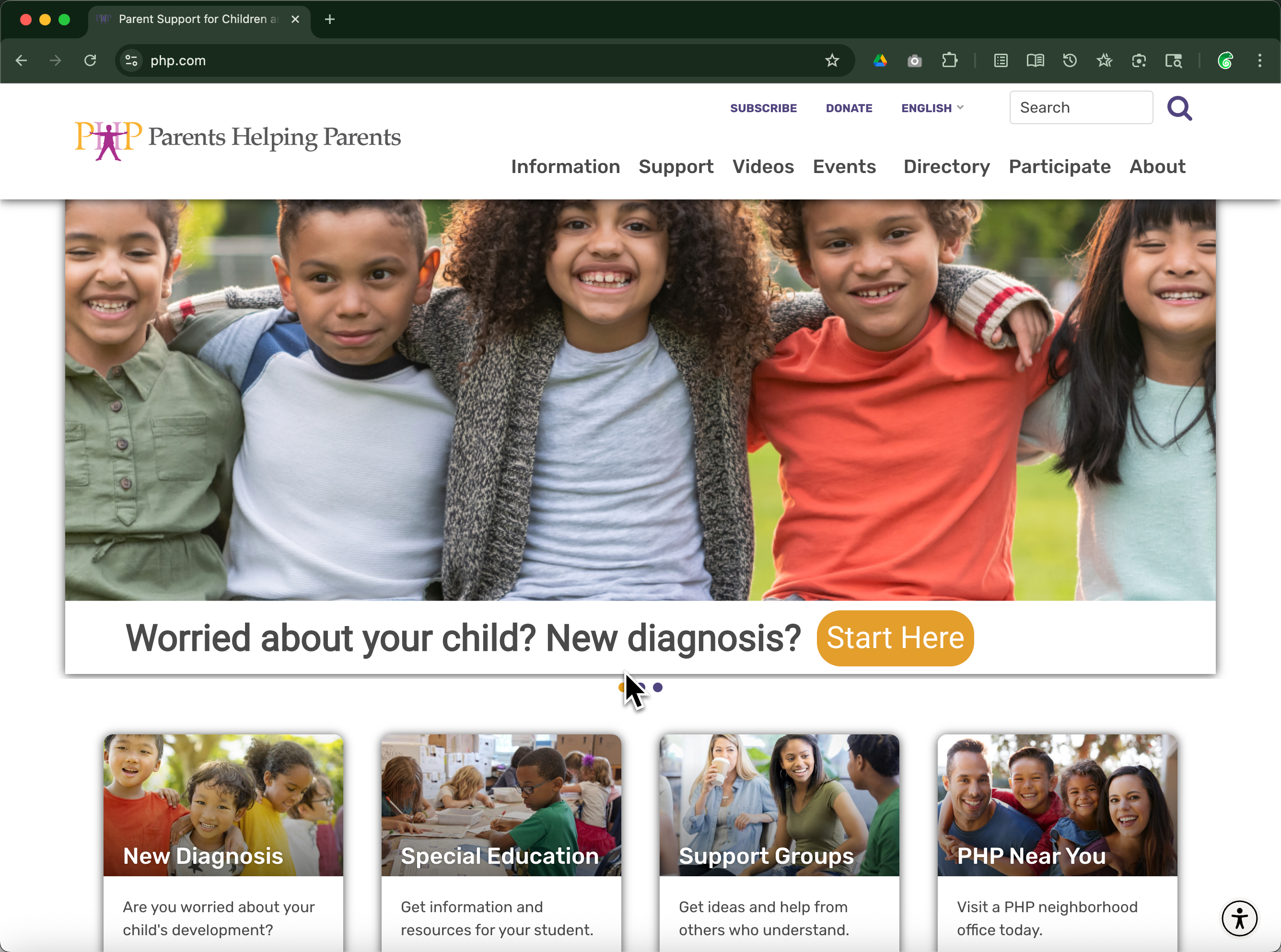
This is the precise question the leadership team at Parents Helping Parents (PHP) had to answer. PHP is a San Jose-based nonprofit dedicated to supporting families raising children with special needs. Like many organizations in the third sector, they faced a classic “Nonprofit Dilemma”: they had mission-critical digital needs but a strictly limited IT budget.
Their website wasn’t just a digital brochure; it was the operational heart of their mission. It hosted their member portal, managed event registrations, processed donations, and handled email integrations. Yet, their legacy hosting environment was draining their resources—both financial and technical.
By leveraging the AWS for Nonprofits credit program and partnering with DevPanel, PHP managed to do the impossible: they moved from a restrictive, expensive managed hosting environment to a powerful, enterprise-grade cloud infrastructure.
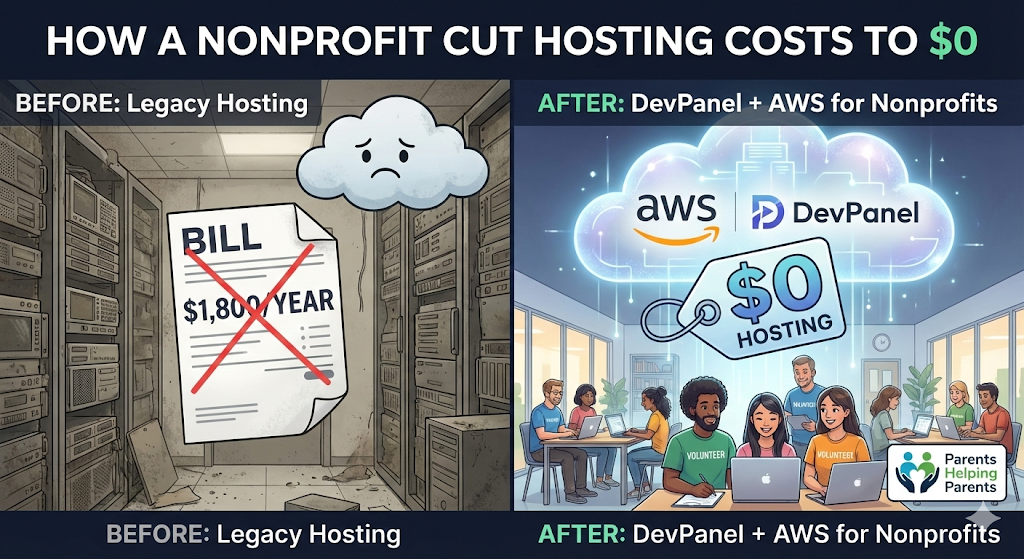
The result? They reduced their out-of-pocket hosting costs to exactly $0.
This blog post details their journey from technical debt and high fees to cloud-native freedom. It serves as a blueprint for any nonprofit leader, CTO, or volunteer developer looking to modernize their infrastructure without breaking the bank.
👉 [Download the full case study here for the technical breakdown]
The Challenge: When “Managed” Hosting Becomes a constraint
Before their transformation, PHP hosted their complex WordPress ecosystem on WP Engine. While managed hosting providers offer a degree of convenience, they often come with a “ceiling” on flexibility and a high price tag on scalability.
PHP found themselves hitting this ceiling repeatedly. Their digital presence had outgrown the capabilities of a standard hosting plan, and the limitations were beginning to affect their ability to serve their community effectively.
The Financial Strain
The most immediate pain point was the cost. PHP was paying approximately $150 per month, totaling $1,800 annually. For a nonprofit, this is a significant line item. In the world of commercial SaaS, $150/month is standard, but for a donation-funded entity, every dollar spent on server overhead is a dollar not spent on the mission.
The Technical Bottleneck
Beyond the money, the operational inefficiencies were stifling their innovation.
- Single Staging Environment: Their plan allowed for only one staging site. This meant that if one volunteer was testing a plugin update and another was building a new donation landing page, they couldn’t work simultaneously without overwriting each other’s work. Development became a single-file line.
- Legacy Code Risks: The site relied on outdated plugins and custom code. Without a safe, isolated way to test upgrades, the team was terrified to update PHP versions or core WordPress files for fear of taking the live site down.
- Security Paywalls: Essential security features—like advanced Web Application Firewalls (WAF) or DDoS protection—were often locked behind expensive “Enterprise” tier upgrades that were simply out of reach.
The team was trapped in a cycle of “keeping the lights on” rather than innovating. They needed a way to break free from these constraints, but they lacked the internal DevOps army usually required to manage a custom cloud environment.
The Solution: Unlocking AWS for Nonprofits with DevPanel
The leadership team knew that the public cloud—specifically Amazon Web Services (AWS)—offered the power, security, and scalability they needed. However, the complexity of AWS is often a barrier to entry. Managing EC2 instances, configuring RDS databases, and setting up VPCs requires specialized knowledge that most volunteer-run tech teams simply do not possess.
The solution came in a two-part strategy that bridged this gap:
- The Capital Resource: Utilizing AWS for Nonprofits credits.
- The Management Resource: Utilizing DevPanel as the automation and control layer.
Part 1: The Power of AWS Credits
Many nonprofits are unaware that AWS offers one of the most generous credit programs in the tech industry. Through partners like TechSoup, eligible 501(c)(3) organizations can access substantial annual credits.
PHP secured $5,000/year in AWS credits. Based on their traffic and computational needs, their estimated infrastructure cost on AWS was well below this cap. This effectively meant their raw infrastructure costs—compute, storage, and bandwidth—would be 100% subsidized.
Part 2: DevPanel as the “DevOps Team in a Box”
Credits are useless if you don’t know how to use them. This is where DevPanel became the linchpin of the operation.
DevPanel acts as a “Control Plane” that sits on top of the nonprofit’s own AWS account. It abstracts away the complexity of the cloud console, providing a point-and-click interface to provision servers, manage databases, and handle deployments. It gave PHP the ease of use of a Managed Host (like WP Engine) but with the raw power and ownership of a custom AWS environment.
Technical Note: If you are interested in the specific architectural “recipe” PHP used—combining Cloudflare for the edge, AWS for the origin, and DevPanel for management—we have detailed that technical setup in a separate guide. Read our detailed guide on the Nonprofit Hosting Hack: AWS + Cloudflare + DevPanel here.
Key Benefits of the New Architecture
The migration wasn’t just about saving money; it was a total modernization of their digital capabilities. Here is what the new “AWS for Nonprofits” architecture delivered:
✅ 1. Zero Out-of-Pocket Hosting Costs
This is the headline success. By migrating to AWS and applying their nonprofit credits, PHP eliminated their $1,800 annual bill. They moved from a fixed OpEx (Operating Expense) model to a credit-based utility model. The funds previously earmarked for servers were immediately redirected to family support programs.
✅ 2. Unlimited Development Environments
DevPanel utilizes a container-based approach that allows for Ephemeral Environments. In the past, PHP had one staging site. Now, every time a developer creates a new “branch” in GitHub, DevPanel automatically spins up a complete, isolated copy of the website for that specific feature.
- Volunteer A can work on the “Holiday Fundraiser” page.
- Volunteer B can work on “PHP 8.2 Updates.”
- Volunteer C can redesign the “Member Portal.” All three can work simultaneously in their own isolated cloud environments without crashing the main site or stepping on each other’s toes.
✅ 3. Cloud-Based Development (Browser-Based IDE)
One of the biggest hidden costs for nonprofits is Volunteer Onboarding. When a new volunteer developer joins, they usually spend days setting up their “Local Environment”—installing Docker, configuring databases, and troubleshooting version conflicts on their laptop. DevPanel solved this by providing VS Code in the Browser. A new volunteer can now log in, click “Edit,” and a full development environment opens directly in their web browser. They can start coding in minutes, not days. Onboarding time dropped from 5+ days to less than 2 hours.
✅ 4. Enterprise-Grade Security
Security is often an afterthought for cash-strapped nonprofits, making them easy targets. By moving to AWS and layering Cloudflare on top (managed via DevPanel), PHP gained:
- Web Application Firewall (WAF): Blocking malicious bot traffic and SQL injection attempts.
- DDoS Protection: Leveraging AWS Shield and Cloudflare to absorb attacks.
- Automated Backups: S3-based backups that are immutable and easy to restore. The system now blocks 100–200 attacks per week that were previously hitting the server directly.
✅ 5. Total Data Sovereignty
On a managed host, you are renting space in someone else’s house. If you want to change a specific server configuration or install a custom package, you often can’t. With DevPanel + AWS, PHP owns their infrastructure. The AWS account belongs to them. The data belongs to them. There is no vendor lock-in. If they ever decide to stop using DevPanel, their servers continue running in their AWS account without interruption.
The Migration Chronicle: 6 Weeks to Modernization
Migrating a mission-critical site with 10+ years of data, legacy code, and custom integrations is daunting. To ensure safety, PHP and DevPanel executed a strategic, six-week migration plan.
Week 1: Audit and Strategy
The first step was a “Digital Health Check.” The team audited the existing WP Engine setup, cataloging every plugin, custom theme file, and third-party integration (like their donation processor and email marketing tools). They identified “Technical Debt”—old code that needed to be refactored before moving to a modern PHP version.
Week 2: Infrastructure Provisioning
Using DevPanel, the team linked PHP’s new AWS account. In a matter of minutes, DevPanel auto-provisioned the necessary VPCs, RDS (Database) instances, and Kubernetes clusters.
- Comparison: Doing this manually via the AWS Console would have taken a certified architect several days. DevPanel did it in under an hour.
Week 3 & 4: The Clean-Up (Refactoring)
This was the most critical phase. The team moved a copy of the site to a DevPanel “Dev Environment.” Because this environment was isolated from the live site, they could safely break things. They upgraded the WordPress core, updated plugins, and refactored legacy code that was incompatible with newer, faster versions of PHP. This phase turned the migration into a “Spring Cleaning,” leaving the site leaner and more secure.
Week 5: Data Sync and Staging
With the code cleaned, they performed a full data migration—syncing the massive database and the media library (images, PDFs, resources) to AWS S3. The team then utilized the unlimited staging environments to perform User Acceptance Testing (UAT). Staff members clicked through every donation form and member portal page to ensure functionality.
Week 6: The Go-Live (DNS Cutover)
On launch day, the “cutover” was seamless. The team simply updated the DNS records in Cloudflare to point to the new AWS load balancers.
- Downtime: Negligible.
- Rollback Plan: If anything failed, they could simply point the DNS back to WP Engine instantly. (Spoiler: They didn’t need to).
The Results: Quantifiable Impact
Post-launch, the metrics spoke for themselves. The shift to AWS for Nonprofits transformed the organization’s digital footprint.
💸 Financial Impact: 100% Savings
The budget line item for “Web Hosting” was deleted. The $1,800 annual savings were reallocated. For a nonprofit, this recurring saving is equivalent to a perpetual donation.
🚀 Performance Impact: 30% Speed Boost
Speed equals engagement. The combination of AWS’s high-performance compute and Cloudflare’s edge caching reduced the homepage load time from 3.2 seconds to 2.3 seconds. For donors, a faster site instills trust. For families seeking resources, a faster portal reduces frustration. The backend dashboard for staff also saw significant speed improvements, making content updates faster.
👨💻 Operational Impact: Volunteer Velocity
The “Bus Factor” (the risk if one key person leaves) was significantly reduced. Previously, only one technical lead knew how to deploy the site. Now, with DevPanel’s visual dashboard and browser-based coding tools, a rotating cast of volunteers can contribute code safely.
- Onboarding Speed: Improved by 90%.
- Deployment Frequency: Increased from once a month to weekly (or even daily for small fixes).
🔒 Security Impact: Proactive Defense
The site is no longer relying on basic, shared-hosting security. It is defended by enterprise-grade infrastructure. Regular automated updates ensure that the WordPress core never falls behind, closing the most common vector for hacks.
Why “AWS for Nonprofits” is a Strategic Imperative
This case study is not just about technology; it is about organizational strategy.
If you are a Nonprofit Executive, a Board Member, or a Technical Lead, you are constantly asked to “do more with less.” The digital expectations of donors and constituents are rising—they expect the same speed and sleekness they get from commercial apps—but nonprofit budgets are rarely rising to match.
The AWS for Nonprofits program is a bridge to solve this discrepancy, but only if you can cross it.
The Barrier to Entry is Gone
Historically, the argument against moving a nonprofit to AWS was complexity: “We don’t have a Cloud Architect on staff.” DevPanel removes this barrier. It democratizes access to the cloud. It allows a nonprofit with a single part-time IT person (or a savvy volunteer) to manage an infrastructure that rivals Fortune 500 companies.
The Case for Modernization
Remaining on legacy hosting is not just expensive; it is a risk.
- Security Risk: Shared hosting environments are vulnerable.
- Talent Risk: Modern developers/volunteers want to work with modern tools (Git, AWS, CI/CD), not FTP and legacy panels. Modernizing your stack makes it easier to recruit technical volunteers.
- Scalability Risk: If your year-end fundraising campaign goes viral, can your $50/month server handle the traffic? AWS can.
Final Thoughts: More Impact, Less Overhead
Parents Helping Parents proved that digital transformation doesn’t require a massive budget—it requires the right strategy.
They leveraged the generosity of the AWS for Nonprofits program to solve the cost problem. They leveraged the automation of DevPanel to solve the complexity problem. And in doing so, they built a web infrastructure that serves their mission better, faster, and cheaper.
They didn’t just save money; they gained superpowers. They gained the ability to experiment, to scale, and to secure their data without relying on expensive consultants.
Is Your Nonprofit Ready to Migrate?
If your organization is spending precious donor dollars on hosting fees, or if your technical team is frustrated by slow, brittle development workflows, it is time to look at the cloud.
You do not need to be an AWS expert to run a world-class website on AWS. You just need the right tools.
Ready to explore your own migration?
- Deep Dive: If you want to see exactly how to set up the “Nonprofit Hosting Hack” using AWS and Cloudflare, check out our technical guide here.
- Get the Case Study: For the full story of PHP’s journey, [Download the PDF Case Study].
Or better yet, let us show you. Contact the DevPanel team for a 15-minute demo. We can look at your current setup, help you estimate your AWS credit eligibility, and show you how easy it is to manage your own cloud.
Do more with less. Modernize your mission with DevPanel.
2 Comments
Comments are closed.