
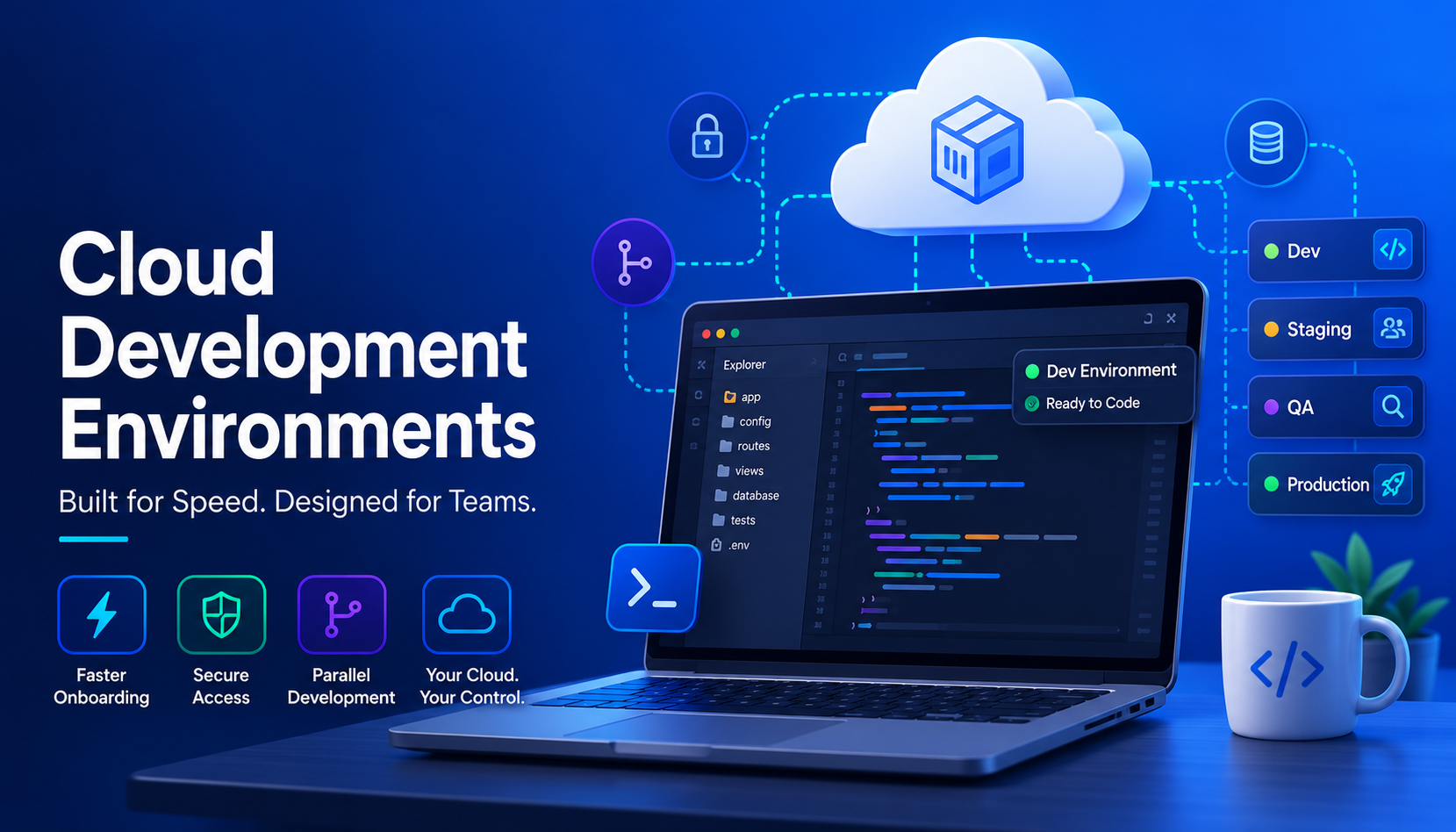
Cloud Development Environments: The New Standard for Developer Velocity
Why the future of software engineering is moving from fragile local setups to standardized, browser-based cloud workspaces.

Cloud development environments are rapidly moving from early adoption to mainstream engineering practice. The reason is simple: they solve the everyday problems that slow software teams down — broken local setups, slow onboarding, inconsistent environments, scattered access, and fragile staging workflows.
A cloud development environment, often called a CDE, gives developers a ready-to-code workspace in the browser. Instead of spending hours or days installing PHP, Node, Docker, database tools, package managers, and project-specific dependencies on a laptop, a developer opens a browser-based workspace that is already configured for the project.
For teams managing Drupal, WordPress, Laravel, Node.js, or custom applications, this shift is not just about convenience. It fundamentally changes how fast teams can onboard, test, review, collaborate, and deploy.
What a Cloud Development Environment Actually Is
A cloud development environment is a ready-to-use development workspace hosted in the cloud. It includes the application code, development tools, runtime, database access, and supporting services a developer needs to start working immediately.
Instead of saying, “Install these 14 things and hope your laptop matches production,” a CDE says, “Open this workspace and start coding.”
That difference matters. Local development has always carried hidden costs. Every developer’s machine is slightly different. One person is running one version of Node, another has a different PHP version, another has an outdated Docker image, and someone else is blocked because their database import failed.
Cloud development environments standardize that entire experience. Modern CDE models include browser-based VS Code, built-in development tools, branch and site cloning, database access, and shareable URLs for reviews, QA, demos, and stakeholder feedback. This approach allows teams to onboard developers in minutes, grant and revoke access securely, work from any device, and create one isolated environment per branch.
Why Cloud Development Environments Are the New Standard for Onboarding
Traditional onboarding is slow because it depends on every new developer rebuilding the project locally.
The usual process looks like this: Clone the repository. Install dependencies. Match the runtime. Configure the database. Request credentials. Set up local services. Fight broken permissions. Ask another developer what the documentation forgot to mention. By the time the developer is ready to commit code, days may be gone.
Cloud development environments make onboarding significantly simpler. The workspace already exists. The tools are already installed. The application already runs. The developer receives access, opens the environment, and starts working.

For engineering managers, this turns onboarding from a recurring operational burden into a repeatable workflow. For developers, it removes the frustration of starting a new project by debugging the setup process before writing a single useful line of code.
Teams can create development environments tied to branches, clone applications and databases, and give developers a consistent starting point. Every developer begins from the same source of truth instead of rebuilding the stack from memory.
Fewer Local Environment Problems, Fewer Wasted Hours
Every development team knows the phrase, “It works on my machine.” That phrase is not just annoying; it is expensive.
Local setups drift over time. One laptop has a stale dependency. Another uses a different database version. Another is missing a service that staging depends on. The application works for one person and breaks for another.
Cloud development environments reduce that waste by moving the development workspace into a standardized cloud environment. Everyone works against a controlled configuration. When the environment is cloned, it is cloned from the same project foundation instead of rebuilt manually on each laptop.
This is especially important for CMS and web application teams. Drupal, WordPress, Laravel, and Node.js projects often depend on a mix of application code, database state, file storage, command-line tools, package managers, and environment-specific configuration. A laptop setup can drift quickly. A managed cloud workspace keeps the project much easier to reproduce.
Secure Access for Contractors, Agencies, and Distributed Teams
Modern teams are rarely limited to one internal engineering group. Contractors, agencies, offshore teams, consultants, QA partners, and freelancers often need temporary access to development environments.
Local development makes that risky. If a contractor needs to download the codebase, database, files, and configuration onto a personal laptop, the company loses a layer of control. Even if the relationship ends, local copies may still exist outside the organization.
Cloud development environments offer a cleaner model. The workspace lives in the cloud. Access is granted centrally. Access can be revoked centrally. The contractor can work in a browser-based environment without needing a full local copy of the application stack.
While this does not magically eliminate all security risk, it significantly reduces the need to scatter working copies of sensitive code and data across unmanaged laptops. This makes it a strong fit for companies that rely on external developers but still want better control over where code and environments live.
Parallel Development Without Shared-Staging Chaos
A common bottleneck in web development is the shared staging environment.
One developer needs staging to test a feature. Another needs it for a bug fix. QA is reviewing a release candidate. A project manager wants to show progress to a client. Suddenly, one environment is being pulled in four directions.
That does not scale.
Cloud development environments make parallel work much easier. A branch can have its own environment. A site can be cloned. A database can be copied. A feature can be tested in isolation before it is merged or promoted. The result is less waiting, less environment conflict, and fewer risky changes pushed into a single shared staging site.
Better QA Through Consistent, Shareable Environments
QA works best when testers can review the actual application in a realistic environment.
Too often, QA is forced to work from screenshots, incomplete staging sites, or environments that do not match what developers used. That creates confusion. A bug appears in one place but not another. A feature works locally but fails when deployed. A tester reports an issue that a developer cannot reproduce.
Cloud development environments improve this by making environments easier to share and reproduce. A QA tester can open a preview URL tied to a specific branch or environment. A project manager can review the same environment. A stakeholder can click through the work before it reaches production.
This is especially valuable for CMS projects where visual review, content workflows, permissions, forms, integrations, and editorial experience all matter. It is not enough for the code to compile. The whole application experience has to be reviewable.
The Data Behind the Shift to Cloud Development Environments
The adoption trend is real and accelerating.

According to Coder’s Cloud Development Environment Adoption Report, 95% of surveyed participants are familiar with CDE technology, and 66% of large organizations surveyed are already using cloud development environments. The same report cites Gartner’s prediction that 60% of cloud workloads will be built and deployed using CDEs by 2026.
Cloud-native development is also expanding quickly. CNCF and SlashData reported that the global cloud-native developer community has reached 19.9 million developers, with platform engineering and internal developer platforms reshaping how developers interact with infrastructure.
That is the larger pattern behind the rise of CDEs. Developers are not being asked to manage more infrastructure directly. They are being given better platforms that abstract the complexity while still preserving speed, control, and flexibility.
The BYOC Model: Cloud Development Without Infrastructure Lock-In
Not every cloud development environment model gives the customer the same level of control.
Some platforms run the development environments inside the vendor’s infrastructure. That may be convenient, but it can also create a new dependency. Your code, environments, data, and operational workflow may become tied to a vendor-controlled cloud account.
An alternative approach is BYOC — Bring Your Own Cloud.

With a BYOC model, teams can run Dev, Test, and Live environments inside their own cloud provider account. Platforms supporting this model work with AWS, Microsoft Azure, DigitalOcean, and Kubernetes, running the orchestration layer while the actual workloads remain inside the customer’s own cloud account — with no hidden infrastructure markup and no lock-in.
That distinction matters. The company owns the cloud account. The company controls the infrastructure. The company keeps its applications, servers, clusters, and data inside its own environment. The platform acts as the orchestration and management layer on top.
For organizations concerned about sovereignty, compliance, cost control, or long-term portability, this is a stronger model than handing the entire development workflow to a vendor-owned cloud.
Conclusion
Cloud development environments are becoming the new standard because they address the problems that slow software teams down every day.
They make onboarding faster. They reduce local setup issues. They give contractors and agencies cleaner access models. They make parallel development easier. They improve QA. They give teams a more consistent path from branch to test to production.
But not all CDE platforms are equal. The strongest model is one that combines developer convenience with infrastructure ownership. By running inside the customer’s own cloud account, teams can utilize browser-based development environments, GitOps workflows, CI/CD, Blue/Green deployments, backups, SSL, and centralized application management — without being forced into a vendor-controlled infrastructure model.
The future of developer velocity is not more local setup instructions. It is not more shared-staging chaos. It is not more tickets to infrastructure teams. It is ready-to-use cloud development environments, running on infrastructure the organization actually owns.
Learn more: DevPanel.com | Cloud Development Environments 2026