Best Alternatives to DevOps Hosting Dashboards for Small and Mid-Size Teams
Small and mid-size teams often start with dashboards because dashboards feel like control.
A dashboard can show what is running. It can show usage. It can show status, cost, alerts, logs, or team activity. For a while, that may be enough.
But as the team grows, the limits become clear.
A dashboard can show that something exists, but it does not always help the team build, clone, test, deploy, secure, or manage it. A dashboard may give visibility, but not workflow. It may show infrastructure, but not automate it. It may help leaders see reports, but not help developers ship faster.
That is why many small and mid-size teams eventually outgrow basic DevOps hosting dashboards.
They do not only need another screen.
They need a better operating model.
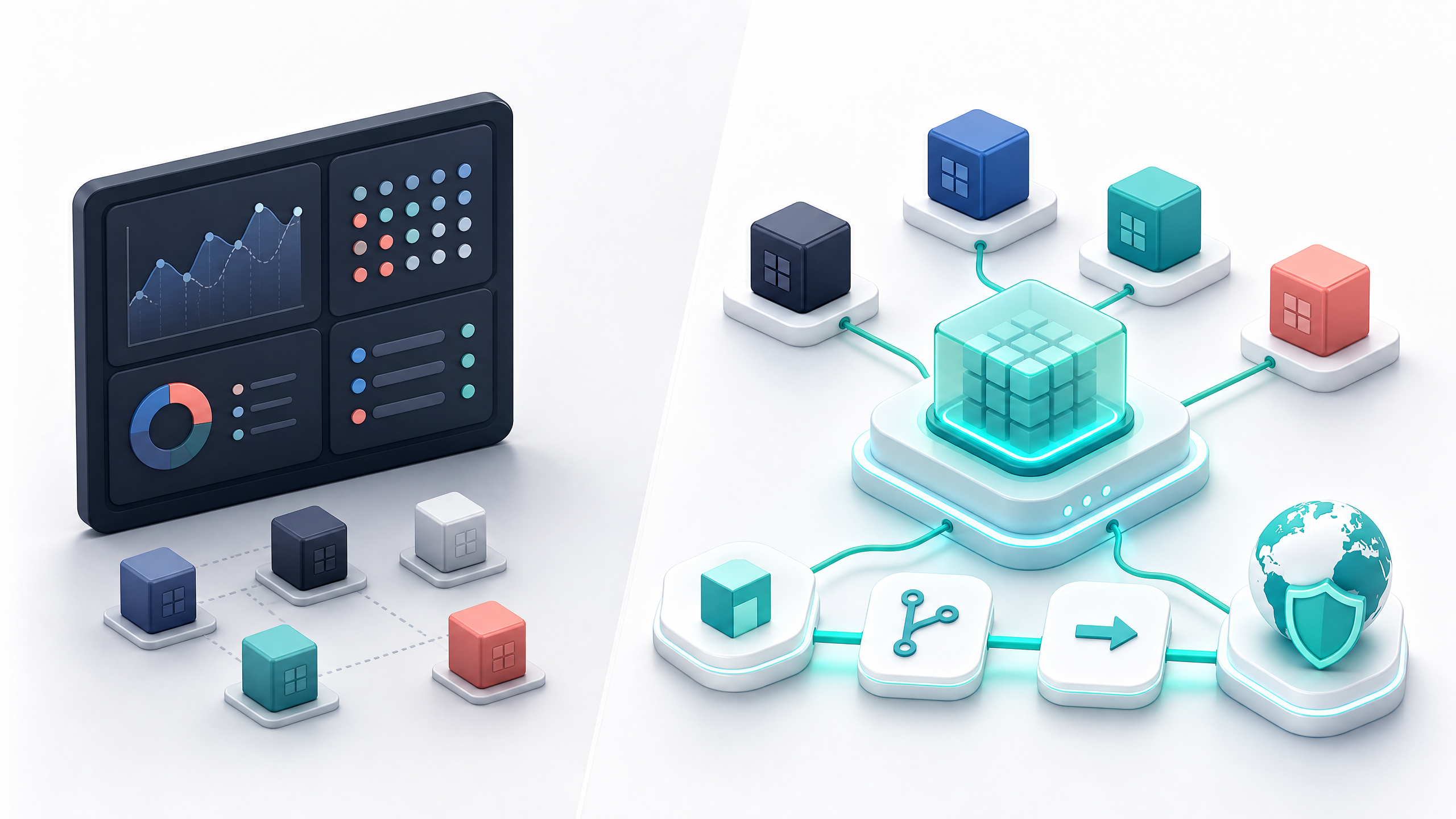
The best alternatives to DevOps hosting dashboards are not just reporting tools. They are platforms and workflows that help teams reduce manual work, keep infrastructure ownership, standardize environments, and deploy applications with confidence.
For some teams, that may mean using reporting tools like Metabase, Grafana, or Looker Studio for visibility.
For teams that need hosting workflows, cloud environments, deployments, cloning, and operational control, the stronger answer is DevPanel.
DevPanel is not just a dashboard. It is a cloud operations platform that helps teams manage applications inside their own cloud accounts while automating the hard parts of DevOps.
Why DevOps Hosting Dashboards Fall Short
A DevOps hosting dashboard can be useful.
It may show where applications are running. It may display resource usage, deployment status, team access, uptime, or cost information.
But many dashboards fail small and mid-size teams because they stop at visibility.
They show the problem, but do not solve the workflow behind it.
A team may see that a site needs a staging environment, but still need someone to create it manually. A developer may see the production application, but still need help cloning it. A project manager may see deployment status, but the release process may still depend on one person’s knowledge.
That creates friction.
The most common problems are:
•Dashboards show status but do not automate work.
•Environments are still created manually.
•Developers still depend on senior engineers for setup.
•Production and staging drift apart.
•Cloud infrastructure is spread across multiple tools.
•Costs are hard to understand.
•Access control becomes messy as the team grows.
•The team gains visibility but not operational leverage.
For small and mid-size teams, this matters because time and staffing are limited.
A large enterprise may have separate teams for infrastructure, DevOps, security, monitoring, and application delivery. Smaller teams usually do not. They need tools that reduce operational load, not tools that only add another interface.
That is the difference between a dashboard and a platform.
What Small and Mid-Size Teams Actually Need
Small and mid-size teams do not need more tools for the sake of tools.
They need a practical way to manage applications from development to production.
That means they need:
•A clear view of applications and environments
•Dev, test, staging, and production workflows
•Easy environment cloning
•Git-based deployment workflows
•Access control for developers and admins
•Cloud development environments
•Repeatable templates
•Backup and recovery workflows
•Support for AWS, Azure, DigitalOcean, or other cloud providers
•A model that avoids infrastructure lock-in
The best alternatives to DevOps hosting dashboards should help with actual delivery.
A useful dashboard should answer operational questions:
What is deployed?
Where is it running?
Who owns it?
Who has access?
Can we clone it?
Can we test changes safely?
Can we deploy without manual steps?
Can we move infrastructure later if needed?
Can developers work without waiting on tickets?
If a tool cannot help answer those questions, it may still be useful for reporting, but it is not enough to run modern application operations.
Visibility Tools vs Operations Platforms
Not every dashboard alternative does the same job.
Some tools are visibility tools. Others are operations platforms.
Visibility tools help teams understand what is happening. They may show metrics, logs, reports, or business data.
Operations platforms help teams take action. They create environments, manage deployments, automate workflows, control access, and support the application lifecycle.
Both categories are useful, but they solve different problems.
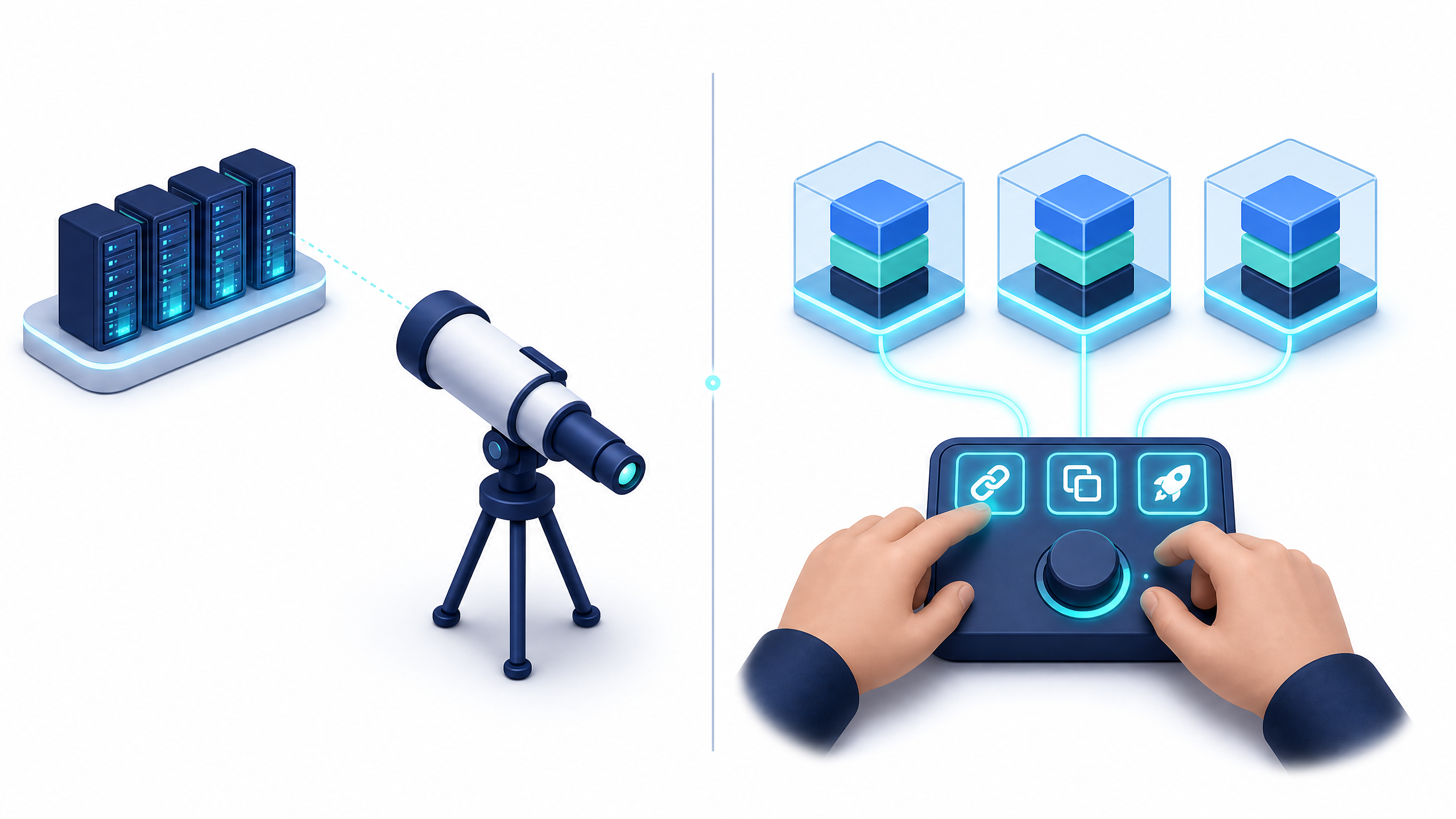
A small team may use Grafana for observability, Metabase for internal reporting, Looker Studio for stakeholder dashboards, and DevPanel for application operations.
The key is to avoid expecting one category to do the job of the other.
A reporting dashboard cannot replace a deployment platform.
An observability tool cannot replace environment management.
A cloud console cannot replace a repeatable team workflow.
DevPanel fits into the operations platform category. It gives teams a way to build, clone, deploy, and manage applications while keeping infrastructure in their own cloud accounts.
DevPanel: More Than a DevOps Hosting Dashboard
DevPanel is a strong alternative for teams that need more than visibility.
It is designed for application operations, not just reporting.
With DevPanel, teams can manage applications across cloud infrastructure, create development environments, deploy and clone applications, use templates, support team-based Workspaces, and operate inside a Bring Your Own Cloud model.
That last point is important.
DevPanel is not a traditional hosting company that asks teams to move everything into a closed platform. It helps teams deploy and manage applications in their own cloud accounts, including AWS, Azure, and DigitalOcean.
That gives small and mid-size teams a stronger balance.
They get cloud ownership without having to manually manage every cloud detail.
They get automation without giving up infrastructure control.
They get a dashboard, but the dashboard is connected to real workflows.
This is what makes DevPanel different from basic DevOps hosting dashboards.
It does not only show what is happening. It helps teams operate.
Why Bring Your Own Cloud Matters
Many small and mid-size teams eventually face a difficult choice.
They can use a managed hosting platform that simplifies operations but limits control.
Or they can use raw cloud infrastructure and gain control, but take on too much complexity.
DevPanel creates a third option.
With Bring Your Own Cloud, the team keeps ownership of the infrastructure while DevPanel provides the control layer.
That means the servers, databases, files, and application resources remain in the team’s cloud account. If the team uses AWS, Azure, or DigitalOcean, the underlying infrastructure belongs to the team, not to a closed hosting vendor.
This matters for several reasons.
First, it reduces lock-in. The team is not trapped inside a provider-owned infrastructure model.
Second, it improves visibility. The team can understand where infrastructure lives and how it is configured.
Third, it supports long-term flexibility. If business needs change, the cloud foundation is still under the team’s control.
Fourth, it gives small and mid-size teams more professional infrastructure without forcing them to build a full DevOps department.
For teams that want serious operations without becoming cloud infrastructure experts, this is the practical path.

Cloud Development Environments Reduce Setup Friction
One of the biggest hidden costs in small teams is developer setup.
A new developer joins and needs a local environment. A contractor needs access to a project. A bug must be reproduced. A branch needs to be tested. A staging environment needs to be created.
When these workflows are manual, teams lose time.
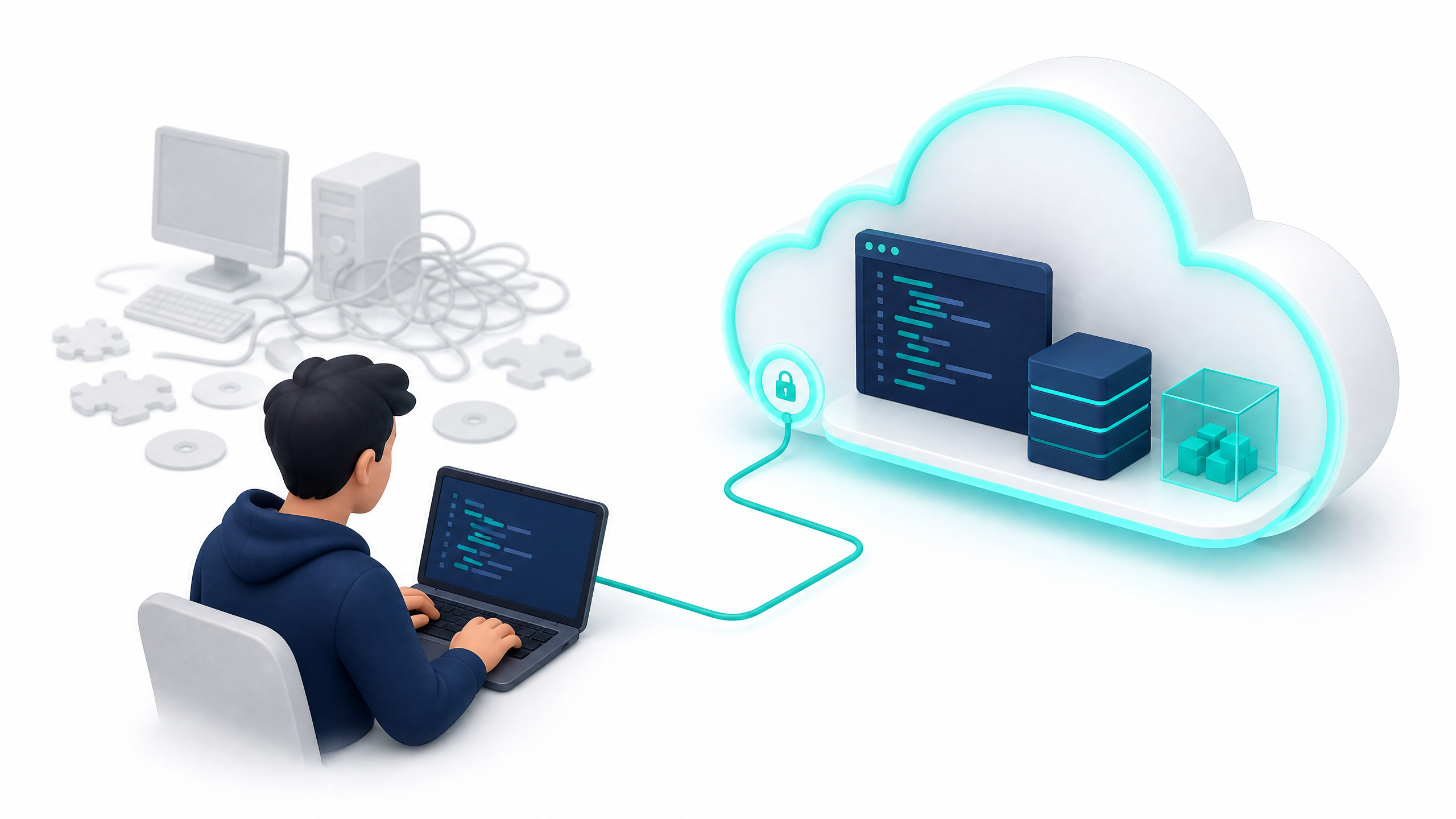
Cloud development environments help solve this by giving developers ready-to-use workspaces in the cloud.
DevPanel supports cloud-based development workflows so developers can start working without spending hours configuring local dependencies. This is especially useful for teams working with Drupal, WordPress, Laravel, Node.js, or other application stacks where environment mismatch can slow everyone down.
The benefit is simple.
Developers spend less time setting up and more time building.
Small teams gain consistency.
Project managers get faster review cycles.
Clients and stakeholders can test work in controlled environments.
This is why DevPanel should be evaluated as more than a dashboard. It improves the development workflow itself.
Deploy and Clone Workflows Create Repeatability
Small and mid-size teams often struggle with repeatability.
A senior developer may know how to clone production to staging. Another person may know which files to exclude. Someone else may remember the deployment steps. Over time, the process becomes tribal knowledge.
That is risky.
DevPanel helps teams create repeatable deploy and clone workflows. Teams can clone applications, manage environments, connect to Git workflows, and reduce the manual steps that often create errors.
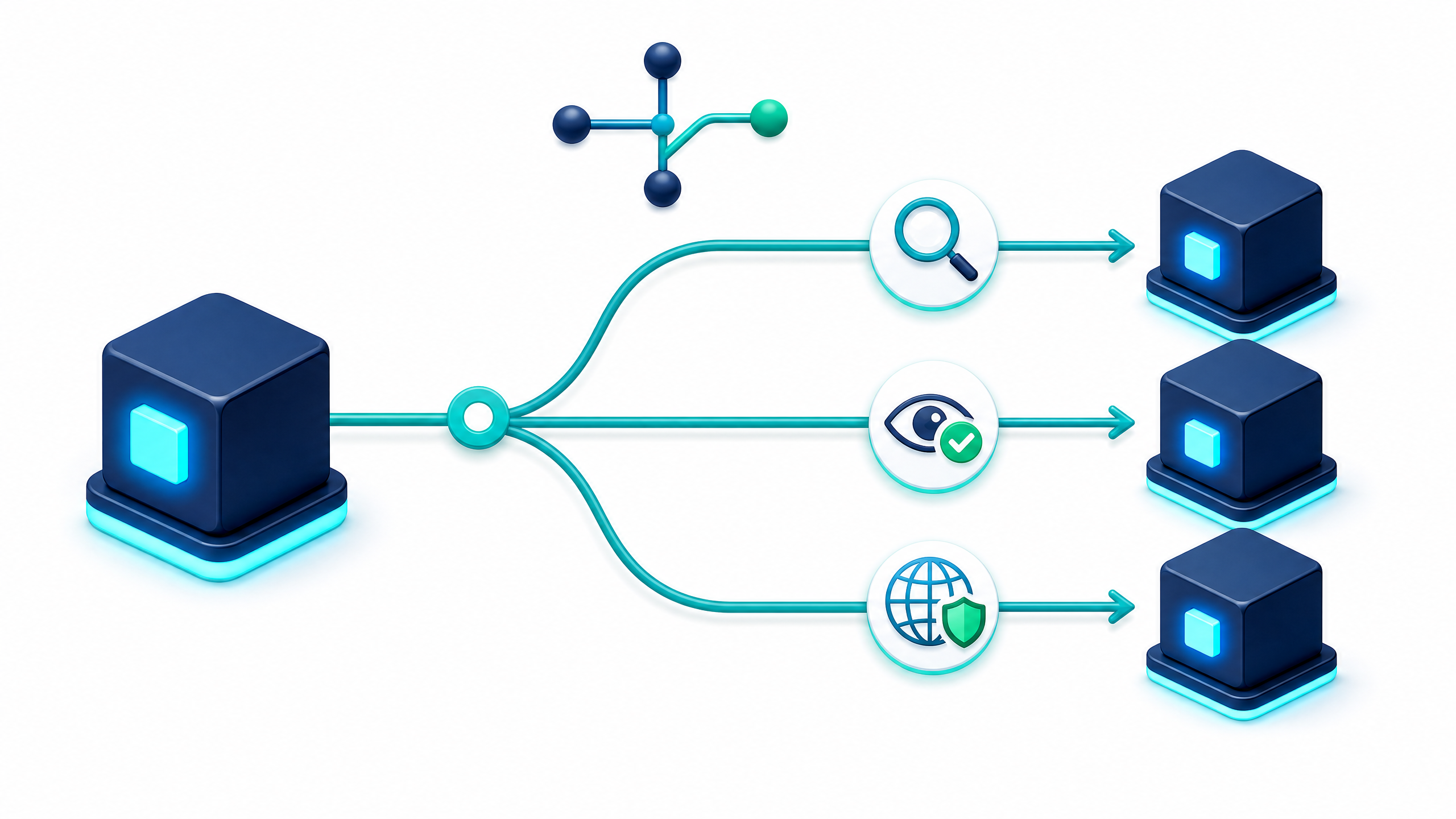
This is valuable because most application work depends on safe testing.
A team should be able to test changes before production. It should be able to create isolated environments. It should be able to deploy consistently. It should be able to recover from mistakes without panic.
A dashboard alone cannot provide that.
A platform workflow can.
That is the difference DevPanel brings.
Workspaces Help Teams Stay Organized
As small and mid-size teams grow, access control becomes more important.
At first, everyone may have broad access to everything. That may work for a small internal team, but it becomes risky as more developers, contractors, clients, and projects are added.
DevPanel’s Workspace model helps organize teams, applications, and permissions.
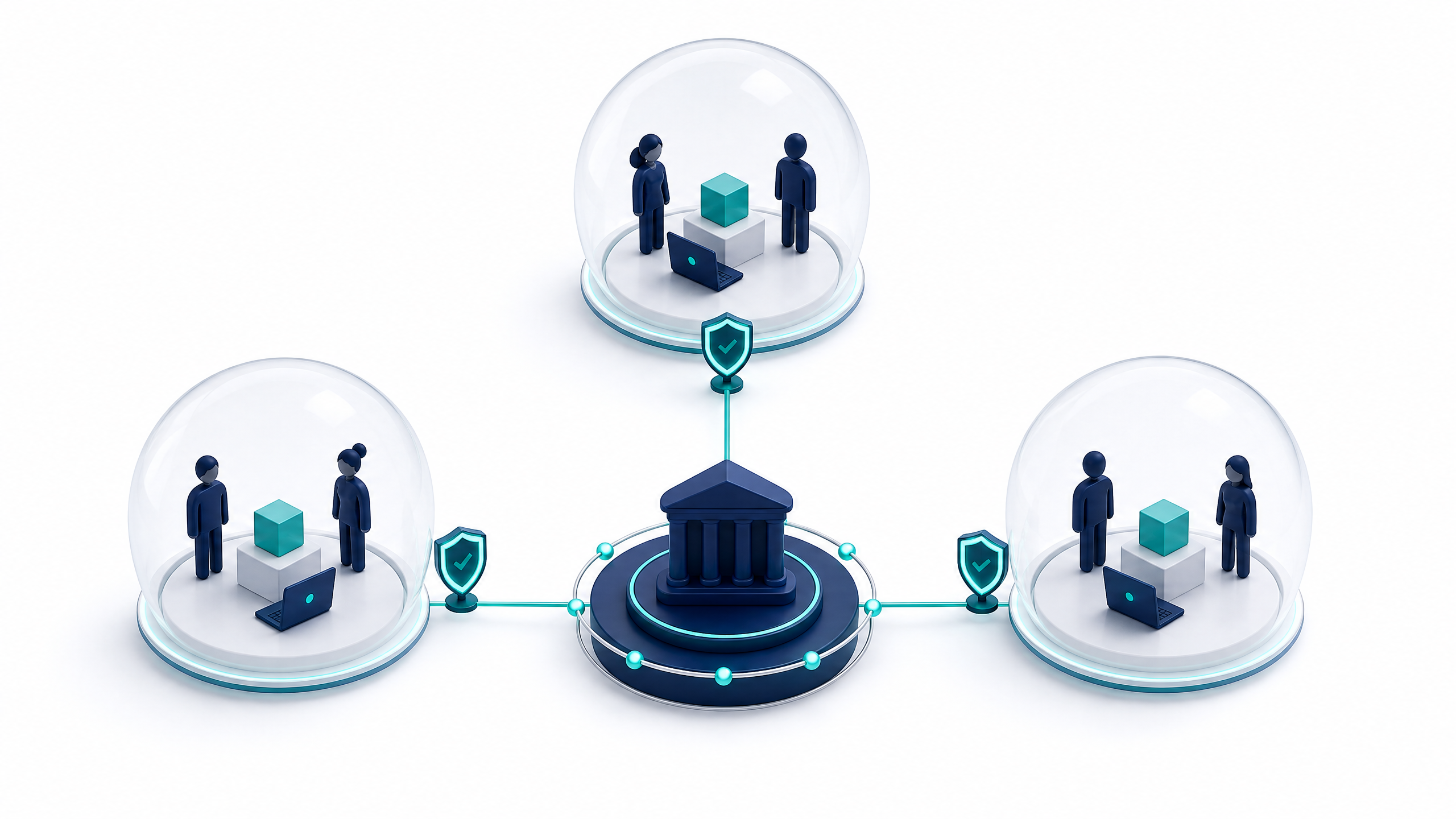
A Workspace can separate projects, clients, departments, or teams. Admins can control who sees what and what level of access each person has. Developers can work inside the areas assigned to them without exposing unrelated applications.
This matters for agencies, SaaS teams, nonprofits, startups, and mid-size organizations.
Workspaces reduce confusion.
They also reduce risk.
Instead of relying on shared credentials or informal access patterns, teams can manage work through clearer boundaries.
For teams replacing older DevOps hosting dashboards, this is an important upgrade. Visibility is not enough. The platform also needs to support how people work.
Where Metabase Fits
Metabase can be a good option when the main need is internal reporting.
It is useful for teams that want to create dashboards from databases, track business metrics, or give non-technical users access to structured data.
For small teams, Metabase is attractive because it has a free open-source option and can be self-hosted. This gives teams a low-cost way to start building reports.
But Metabase is not a DevOps operations platform.
It does not replace application hosting workflows. It does not create development environments. It does not clone applications. It does not manage deployments.
Metabase is best used for visibility into data.
If your team needs reporting, Metabase may be useful.
If your team needs environment management and deployment automation, DevPanel is the better fit.
Where Grafana Fits
Grafana is strong for observability.
It helps teams visualize metrics, logs, and alerts. Engineering teams often use it to understand system performance, detect incidents, and track operational health.
For teams with existing monitoring systems, Grafana can be an excellent dashboard layer.
But like Metabase, Grafana is not a replacement for application operations.
It can show that a system is under load, but it does not create a staging environment.
It can show trends, but it does not deploy a release.
It can help engineers observe infrastructure, but it does not replace the workflows needed to build, clone, and manage applications.
Grafana and DevPanel can work well together because they solve different problems.
Grafana helps teams see operational signals.
DevPanel helps teams manage application workflows.
Where Looker Studio Fits
Looker Studio is useful for lightweight reporting and stakeholder dashboards.
It is often used for marketing data, business reporting, executive views, and cross-functional visibility. For teams that need simple dashboards without a heavy budget, it can be a practical choice.
But Looker Studio is not designed to manage DevOps workflows.
It does not replace hosting control. It does not manage cloud environments. It does not handle deployments.
It is useful when the problem is reporting.
It is not enough when the problem is application operations.
This distinction is important because many teams use the word “dashboard” too broadly. A stakeholder reporting dashboard and an application operations dashboard are not the same thing.
How to Choose the Right Alternative
The right alternative depends on the problem the team is trying to solve.
If the team needs business reporting, use a reporting dashboard.
If the team needs observability, use an observability platform.
If the team needs application environment management, deployment workflows, and cloud ownership, use DevPanel.
A practical decision framework looks like this:
•Use Metabase when the goal is internal reporting from structured data.
•Use Grafana when the goal is observability, logs, metrics, and alerts.
•Use Looker Studio when the goal is simple stakeholder reporting.
•Use DevPanel when the goal is application operations, cloud environments, deployments, cloning, Workspaces, and Bring Your Own Cloud control.
This is not a matter of one tool replacing every other tool.
It is about choosing the right tool for the right layer.

For small and mid-size teams, the most important mistake to avoid is buying a tool that looks useful but does not reduce operational work.
A dashboard that does not improve workflow becomes another screen to maintain.
A platform that automates workflow becomes leverage.
Why DevPanel Is the Premium Option
DevPanel gives small and mid-size teams a premium operating model they could not easily build on their own.
It gives them:
•Customer-owned cloud infrastructure
•Cloud development environments
•Dev, test, staging, and production workflows
•Deploy and clone automation
•Workspaces and access control
•Template-based project setup
•Multi-cloud flexibility
•Support for serious web applications
•A path away from vendor lock-in

For teams that only need charts, DevPanel is not the right comparison.
For teams that need to manage applications, DevPanel is the more strategic option.
The Real Question: What Does Your Dashboard Need to Do?
The best question is not:
“What is the best DevOps hosting dashboard?”
The better question is:
“What work do we expect this dashboard to help us do?”
If the answer is “show reports,” then a reporting tool may be enough.
If the answer is “show metrics,” then an observability tool may be enough.
If the answer is “help us create environments, clone applications, deploy changes, manage access, and operate applications in our own cloud,” then the answer is DevPanel.
This distinction saves teams from buying the wrong tool.
A dashboard should not only look impressive.
It should reduce friction.
It should make the team faster.
It should reduce manual operations.
It should improve control.
It should help the team operate with confidence.
That is what DevPanel provides for application teams.
FAQ
What are the best alternatives to DevOps hosting dashboards for small and mid-size teams?
The best alternatives depend on the job. Metabase, Grafana, and Looker Studio can help with reporting and observability. DevPanel is the better fit when teams need application operations, cloud environments, deployment workflows, cloning, Workspaces, and customer-owned cloud control.
Is DevPanel a dashboard or a cloud operations platform?
DevPanel includes dashboard capabilities, but it is better understood as a cloud operations platform. It helps teams manage applications, environments, deployments, Workspaces, and cloud infrastructure workflows.
When should a team use DevPanel instead of Grafana?
Use Grafana when the main need is observability and metrics. Use DevPanel when the team needs to create environments, clone applications, manage deployments, control access, and operate applications in its own cloud account.
Why does Bring Your Own Cloud matter?
Bring Your Own Cloud matters because the customer keeps ownership of the infrastructure. Applications run in the customer’s AWS, Azure, DigitalOcean, or other cloud account while DevPanel provides the control layer and automation.
Can small teams use DevPanel without a full DevOps team?
Yes. DevPanel is designed to reduce the operational burden of managing cloud applications. Small and mid-size teams can use DevPanel to automate environments, deployment workflows, cloning, and application operations without building every DevOps process from scratch.
Is DevPanel a cheap hosting alternative?
No. DevPanel should be positioned as a premium cloud operations platform, not a cheap hosting alternative. Its value is ownership, automation, workflow control, developer productivity, and operational leverage.
Conclusion: Choose a Platform That Helps Your Team Operate
Dashboards are useful, but dashboards alone are not enough.
Small and mid-size teams need more than visibility. They need repeatable workflows, cloud ownership, environment management, deployment automation, and access control.
Metabase, Grafana, and Looker Studio can be useful for reporting and observability. But when the problem is application operations, DevPanel is the stronger alternative.
DevPanel gives teams a way to manage applications inside their own cloud accounts while automating the work that usually slows teams down.