Platform
Build Dev Environments
Streamline the development process with cloud-based development environments.

Hello, Cloud-based Dev Environments!
Onboard developers in minutes. Grant and revoke access with access through Single Sign-on. Develop anytime from anywhere using any device. No expensive laptops to purchase. One environment per branch application. Simplifies pair programming. Makes developers 2x more productive. Gives full visibility to others on the project. PMs know exactly what’s going on. Testers can run smoke tests themselves. URLs can be easily shared with clients for UATs and progress check-ins.

Clone Branches and Sites
It’s just as easy to clone branches, sites, and databases. It’s all point-and-click.
Clone Branches and Sites
It’s just as easy to clone branches, sites, and databases. It’s all point-and-click.
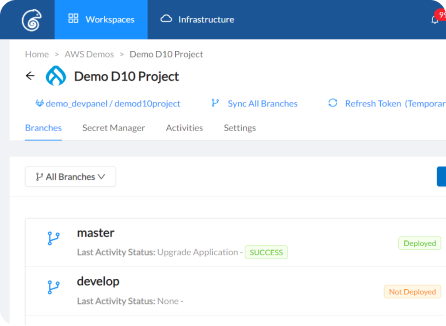
Build a Branch – Any Branch
It takes 5 minutes. Share the URL with your team and users. Start programming right away with built-in browser based dev tools.
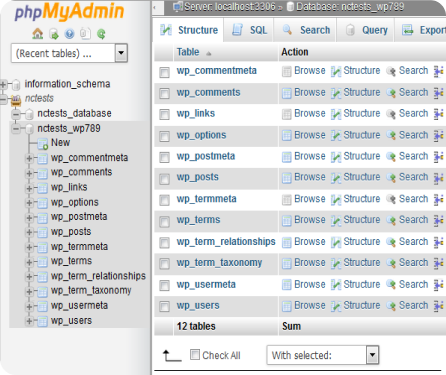
PhpMyAdmin – Included
Manage databases using a browser. Easy to use, point and click user interface. Run SQL queries, upload and download sql files.
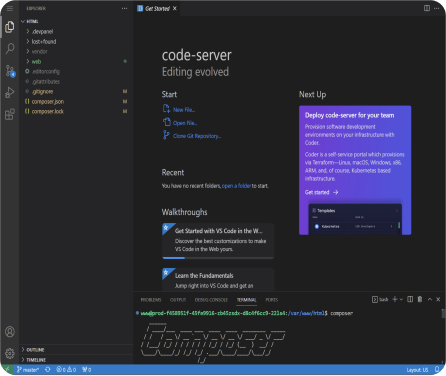
VS Code IDE – Included
Develop in a browser – any time, from any where, using any device, any operating system. Built-in SSH and SFTP. Preinstalled composer, drush, wp-cli, etc. No set up. No configuration. Just start developing.
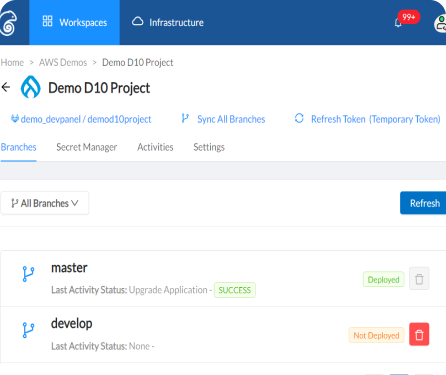
One Source of Truth
Your code stays in your own repo. New branches from your repo show up immediately in DevPanel. Build out any branch with a few clicks.
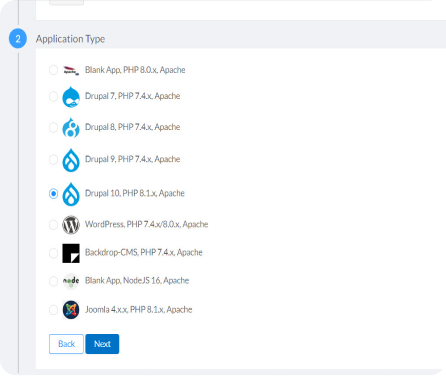
Create Projects from Scratch
Select the app you want and DevPanel will start it in a new repo. All the code lives in your git provider: Github, Gitlab, or BitBucket.
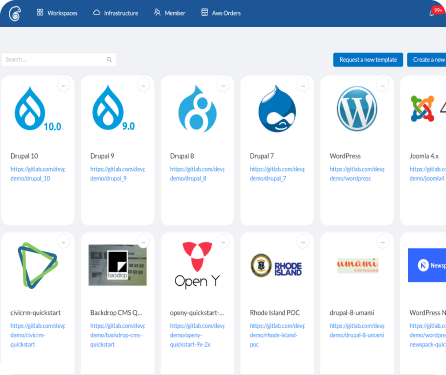
Or Use QuickStart Templates
Templates are pre-built sites with themes, modules, and sample content. Deploy any template directly or make a copy and customize it.
DevPanel covers not only the DevOps portion, but all the Cloud Ops as well.
– Mike D., Senior Developer
What’s New
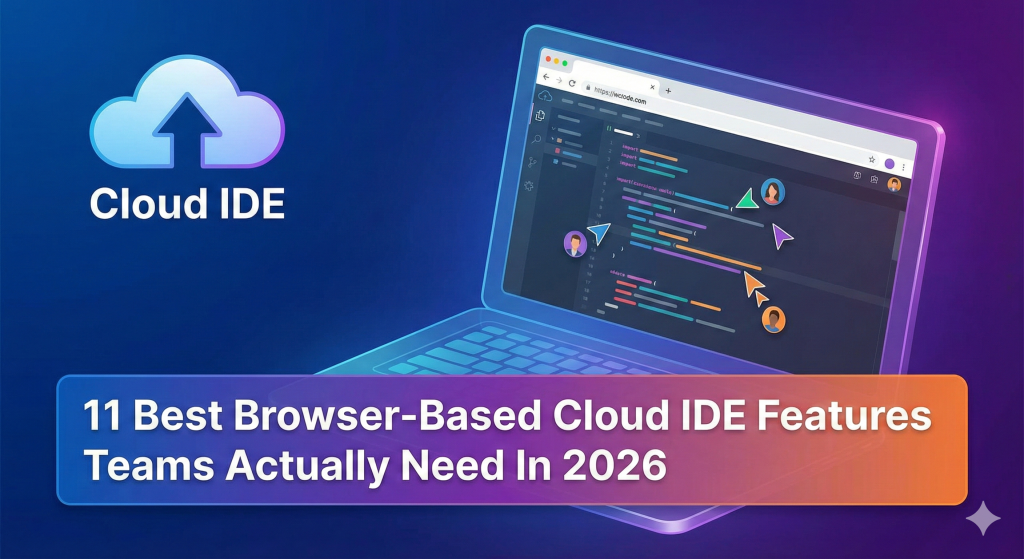
11 Best Browser-Based Cloud IDE Features Teams Actually Need In 2026
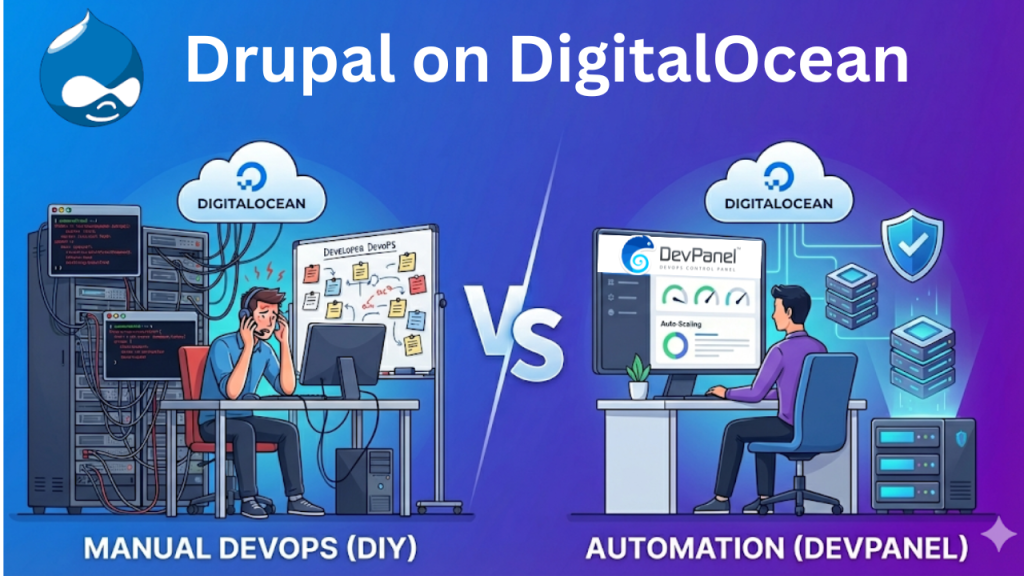
Drupal on DigitalOcean: The Hidden Cost of Manual DevOps vs. The Power of DevPanel Automation