Platform
Deploy and Clone
Streamline the development process with cloud-based development environments.

Deploy from Scratch or Clone an Application
DevPanel simplifies and streamlines the process of building an application, whether you’re starting from scratch or cloning an old project.
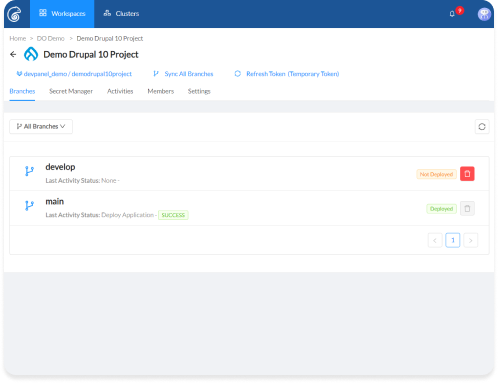
Sync Branches with Git Provider
Regardless of the git provider you’re using (GitHub, GitLab, or BitBucket), sync’ing the updates the project with new branches. Deploy new branches to build out a CBDE on that branch.
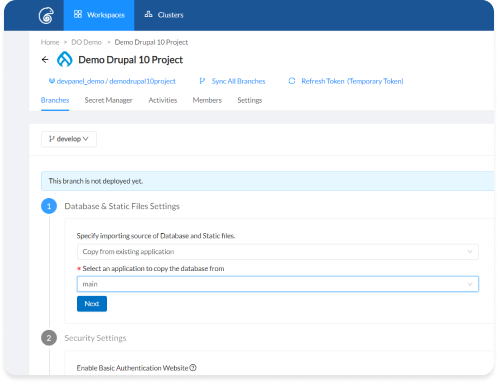
Deploy from Scratch…
Select “From Scratch” to deploy the application with default database, files, and settings.
…Or Clone the Application
With cloning, the code comes from the repo. All the files and the database are copied over from the source branch.
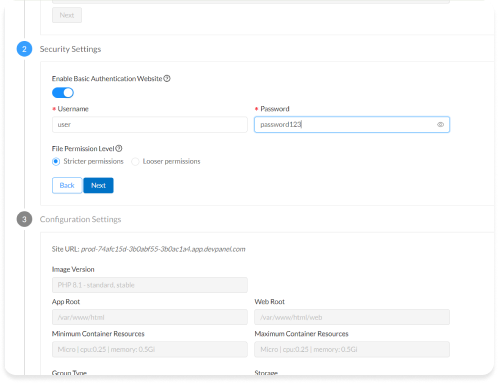
Secure the Deployment
Enable a simple access lock so the app cannot be crawled by search engines or accessed by unauthorized users.
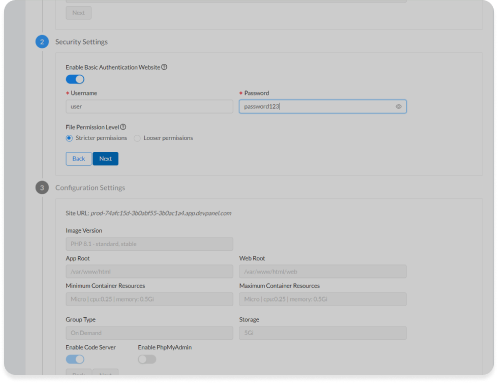
Secure File Permissions
With “Looser” permissions, you can update modules and plugins from the web admin UI. With “Strict” permissions, you have to use the CLI to update the app.
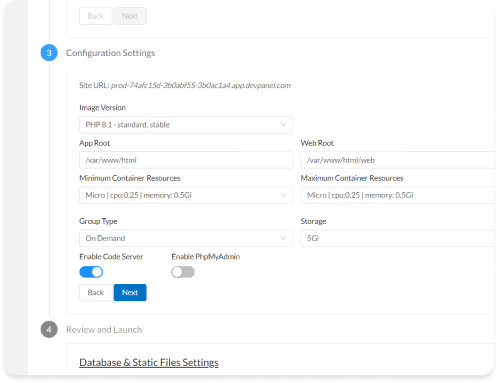
Configure the Application
A sharable URL is generated automatically. Change app root, web root, container size and type, and storage volume. Enable or disable Cloud IDE components.
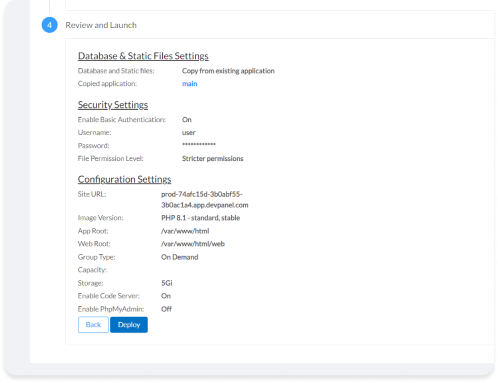
Review and Deploy
Make sure everything looks good. Click deploy. That’s it.
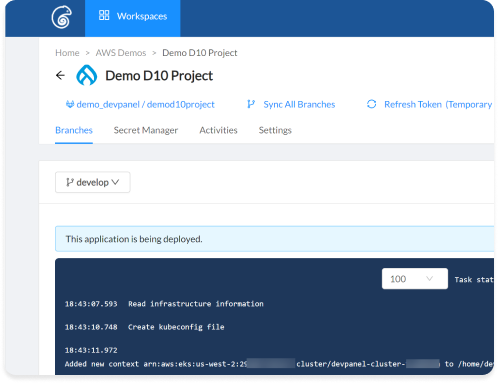
Wait for it…
DevPanel uses Terraform and Ansible to create and configure your application (site) in your account.
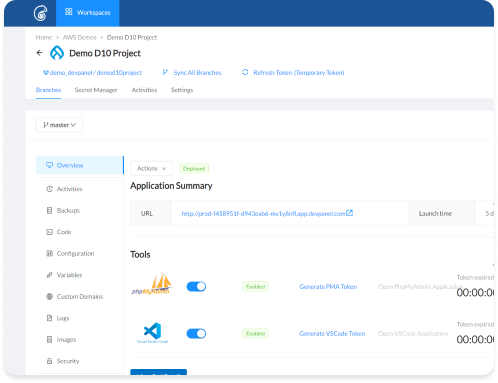
Deployed!
When the app is built, you get a dashboard to manage your CBDE. Use the dashboard to start your Cloud IDE, reconfigure, manage, and deploy your app.
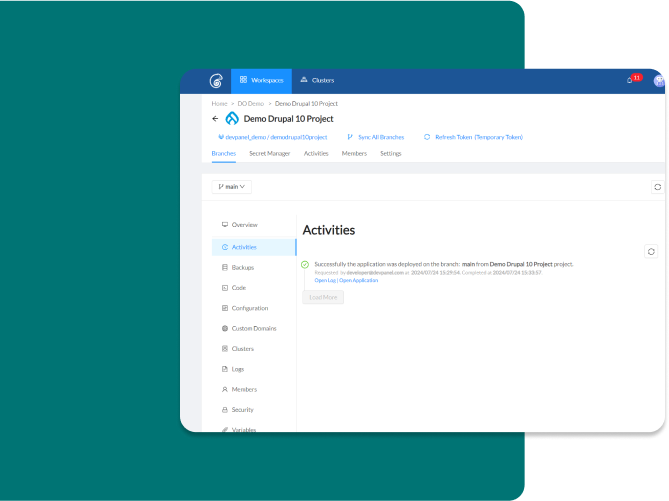
Build Time = 3.5 Minutes
DevPanel comes with prebuilt and preconfigured applications and templates, or you can create your own with supported frameworks.
What’s New
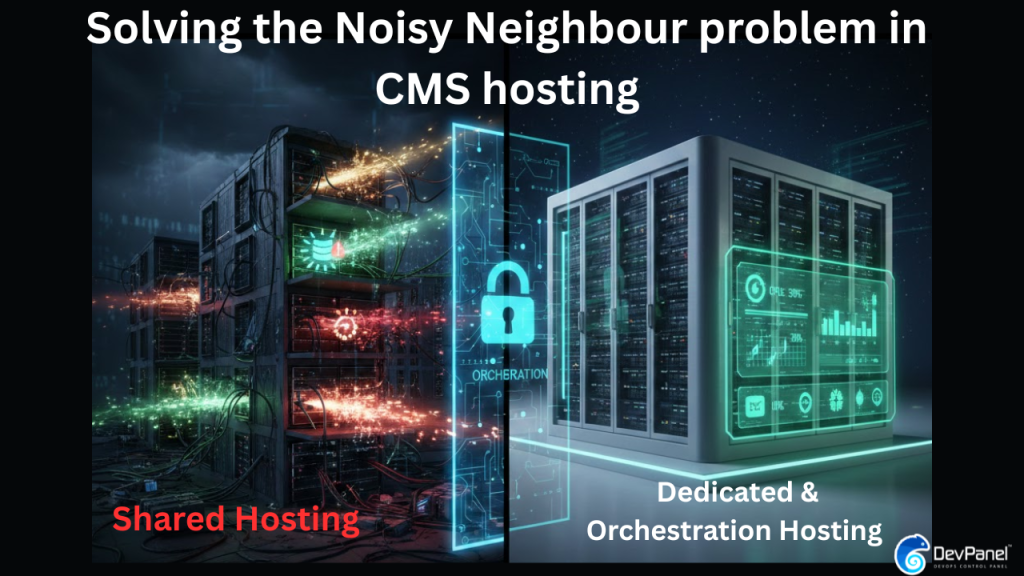
Solving the Noisy Neighbor Problem in CMS Hosting: The Ultimate Guide to Performance Isolation